



A Mac and a Windows computer do not need opposite repair philosophies. Both need the fault understood, important data considered and proposed work explained before it is approved. What changes is how those principles are applied to the particular device.
The useful distinction is between a shared method of reasoning and a procedure that depends on the model. Copying a repair step without checking that distinction can be a poor decision on either platform.
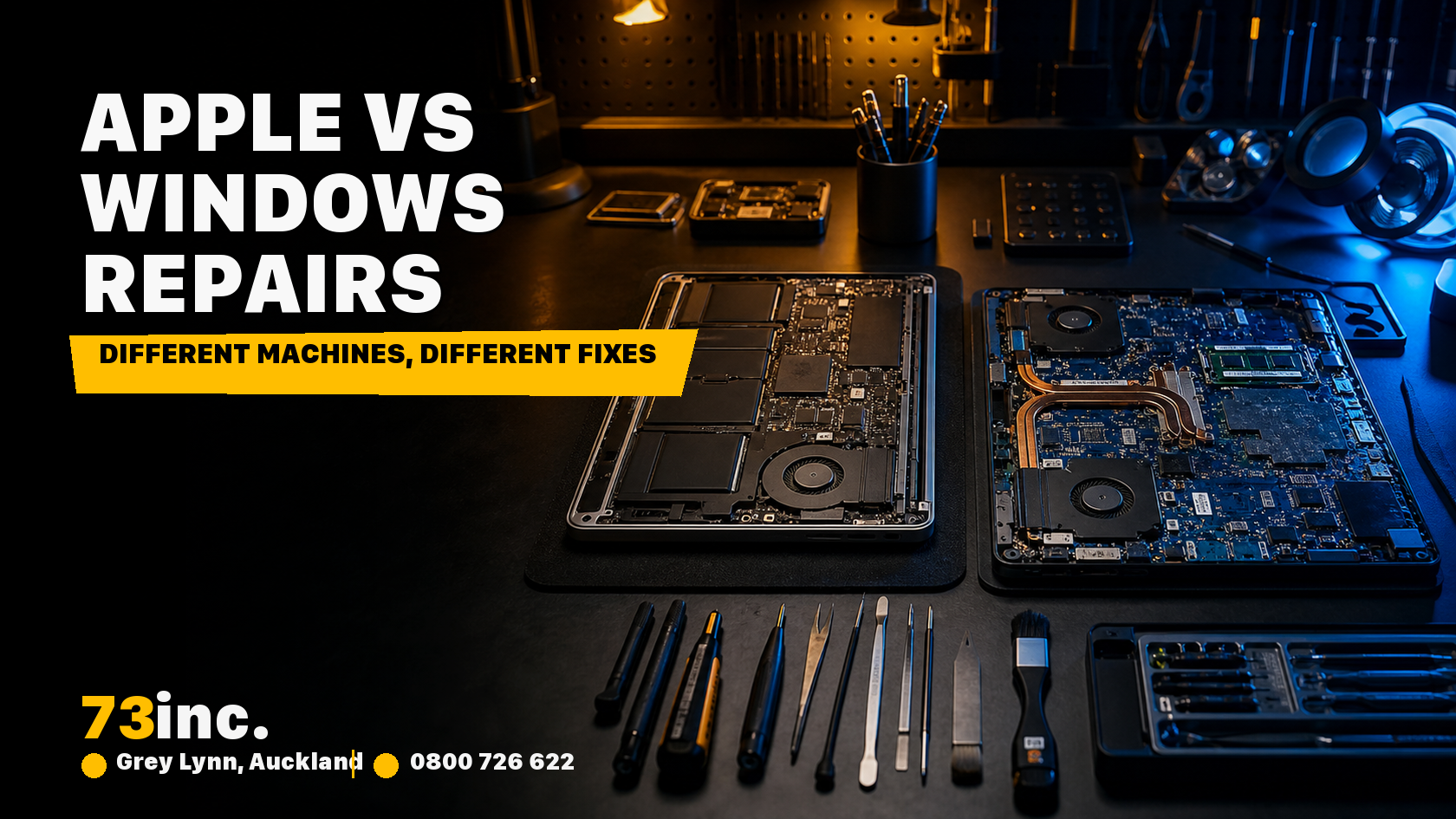
What stays the same: diagnosis and data priority
A symptom is the starting point. A freeze, a blank screen or a failure to start does not name the failed part. Before choosing a repair, establish what happens, when it happens and whether it can be reproduced safely.
The owner’s priorities matter too. Getting a machine working again and preserving its only copy of important files are not always the same task. If data is the priority, say so before approving a reset, reinstallation or component replacement.
At 73inc, the purpose of assessment is to work out the available options and explain the proposed repair. It is not a promise that diagnosis will make every fault repairable or guarantee how long a repair will last.
What changes by model
Hardware access and component integration
“Mac” and “Windows laptop” are broad labels. Before assuming a component can be removed or upgraded, the exact model and its repair information need to be checked.
How a part is fitted, what must be removed to reach it and what else the work affects are device-specific questions. The same care is needed for a compact Windows laptop as for a MacBook; neither brand label tells you that a repair will be simple.
A repair explanation should identify the affected part and the proposed work clearly. It should not rely on vague claims that everything in one platform is soldered, or that the other platform is always modular.
Software tools and encryption
Software investigation must suit the operating system, version and configuration. A procedure that is appropriate on one computer is not automatically appropriate on another with a similar symptom. That does not mean the underlying diagnostic principles cannot be shared.
Access to encrypted data also needs attention before work begins. For example, Microsoft explains that certain hardware or startup changes can trigger BitLocker recovery, requiring the relevant recovery information. This is a specific access requirement, not evidence that Windows repairs are inherently unsafe.
On either platform, establish what access or recovery information the proposed work may require. Keep recovery information secure and available to you; do not assume that making the hardware operate again will automatically restore access to every file. Equally, a generic claim that any firmware reset destroys Mac data is not a sound basis for a repair decision.
What determines repair options and timing
The fault, condition of the device, parts availability and work required are more useful than a blanket claim that Apple repairs take longer. An initial symptom description cannot establish all of those details.
Ask whether the proposed work addresses a confirmed finding or is a further diagnostic step. Check the scope of the quote and what happens if the proposed repair cannot be completed. Expectations should be agreed with the owner, not inferred from whether they use macOS or Windows.
Where the decision extends beyond one repair, our MacBook repair-versus-replacement guide considers the broader trade-offs. Its MacBook focus should not be mistaken for a universal verdict on all computers.
What to ask before approving repair
A useful repair conversation can be straightforward:
- What has been established about the fault, and what remains uncertain?
- What work is proposed, and could it affect access to my data?
- What are the applicable charges and repair terms?
- Which factors could change the timing or available options?
For the relevant service pathway, see computer repairs in Auckland or our Apple-device repair hub. The aim is an explanation that fits your machine and priorities, not a claim that one platform’s owners should accept more compromise than another’s.


