



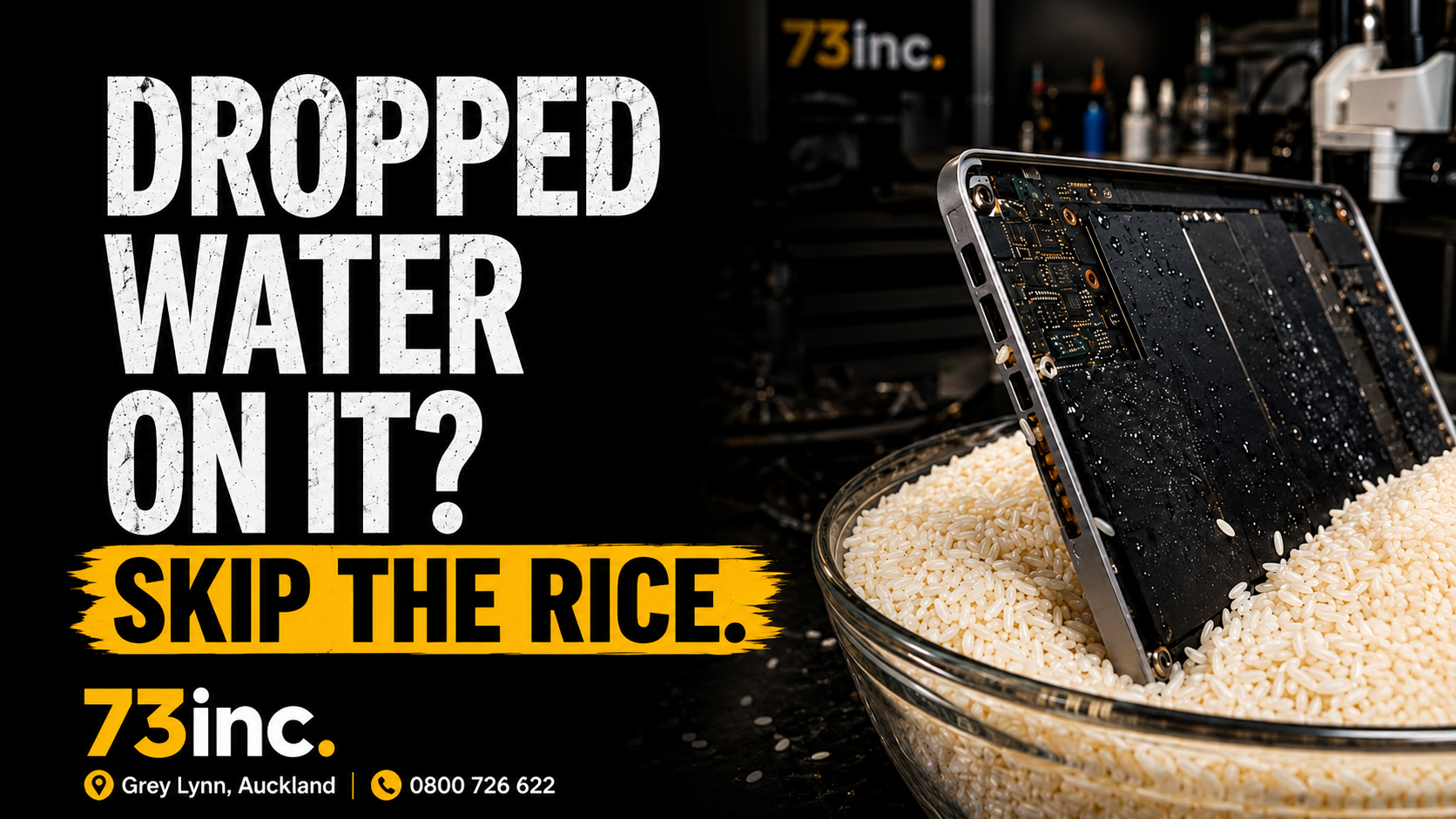
It’s the first thing almost everyone reaches for: drop your phone in water, panic, and bury it in a bag of rice. It’s probably the most repeated tech tip on the internet. It’s also one of the least effective — and it can make things worse.
Here’s what actually happens when a device gets wet, and what to do instead.
Does putting a wet phone in rice work?
No. Rice is a poor way to dry out a wet phone, and it doesn’t address the real damage. A repair company study found that even after 48 hours buried in dry rice, only about 13% of the water had been drawn out of a phone. Rice simply can’t reach the moisture sealed inside a modern device, and it works far too slowly to matter.
Worse, it can create new problems. Grains of rice and rice dust get lodged in charging ports and speaker grilles, which can complicate a proper repair. This is why many device manufacturers — Apple included — now specifically advise against using rice.
If a phone does survive after a spell in rice, it survived despite the rice, not because of it.
Why the rice trick doesn’t fix the real problem
The danger from a wet device isn’t really the water itself — it’s what the water leaves behind. When liquid reaches the logic board, corrosion begins almost immediately as minerals and residue react with the tiny metal traces and components inside. That corrosion keeps spreading over hours and days, even after the surface looks dry.
Rice does nothing about corrosion. Worse, the common advice to “leave it in rice for 48 hours” means most people wait while the real damage is happening — turning a device that might have been recoverable into one that isn’t. Time is the enemy with liquid damage, and the rice method wastes it.
What should you actually do if your phone gets wet?
The right steps are simple, and the sooner the better:
- Turn it off immediately and leave it off. Don’t try to use it.
- Don’t charge it. Putting power through a wet board is how you cause shorts and accelerate corrosion.
- Don’t press buttons, shake it, or blast it with a hairdryer — heat and movement can push liquid further in.
- Wipe off surface moisture with a lint-free cloth and remove any case or SIM tray.
- Let it air-dry in a well-ventilated spot, away from direct heat. Silica gel packets (the little sachets in packaging) are far more effective than rice if you have them.
- Get it assessed properly, as soon as you can. Real recovery means opening the device and cleaning the board before corrosion sets in — something rice can never do.
The catch with “it turned back on, so it’s fine”
A device that powers on after a spill isn’t necessarily in the clear. Corrosion can keep developing internally for days or weeks, which is why a phone or laptop can seem fine after a spill and then fail unexpectedly later. If your device has had any liquid contact — even if it seems to be working — it’s worth having it checked, because the cheapest time to deal with liquid damage is early.
Quick answers
Is rice better than doing nothing?
Barely. Rice removes very little internal moisture and can introduce grains and dust into ports. Turning the device off and air-drying it (ideally with silica gel) is more effective and won’t cause new problems.
Can you fix a water-damaged phone or laptop?
Often, yes — especially if it’s dealt with quickly. Proper liquid-damage repair means opening the device, assessing the board, and cleaning off corrosion before it spreads. The longer a wet device sits, the lower the odds.
My laptop got wet, not my phone — same rules?
Yes. Turn it off, don’t charge it, don’t open and use it, and get it assessed. Laptops have larger boards and more to protect, so quick action matters just as much.
How long do I have before corrosion causes damage?
Corrosion begins almost immediately and gets worse over time, so there’s no safe waiting period. The sooner a liquid-damaged device is professionally cleaned, the better the outcome.
The bottom line
Skip the rice. It’s slow, largely ineffective, and can make a repair harder. If your phone or laptop gets wet: power it off, don’t charge it, pat it dry, and get it looked at quickly. The real fix isn’t a pantry trick — it’s cleaning the board before corrosion does its damage.
If you’ve had a spill, bring it into 73inc in Grey Lynn for a liquid-damage assessment — the sooner, the better the chance of saving it.


