Productivity apps
Office, communication and document tools are installed from legitimate sources and configured for normal use.

Professional installation and configuration for trusted Mac applications, permissions, accounts, updates and workflow tools—set up for the Mac and the way you work.
App installation can fail because of macOS compatibility, storage limits, account access, security permissions or an older installer. Even when an app opens, incorrect privacy, file-access, login-item or update settings can prevent it working reliably.
73inc checks the Mac model and macOS version, confirms the application source and licensing requirements, installs approved software and reviews the settings needed for normal use. Passwords, purchases and subscription decisions remain with the device owner.
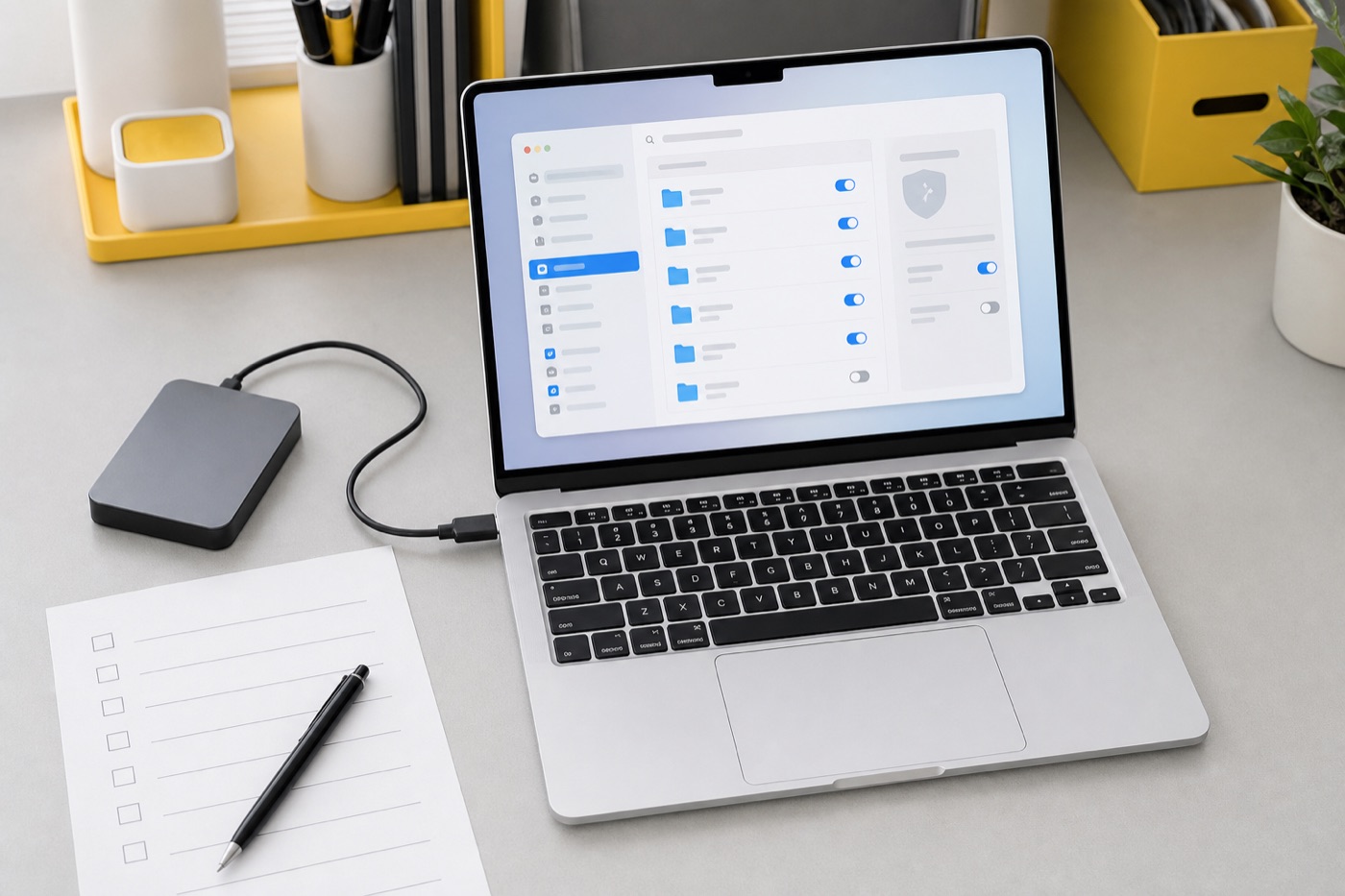
Office, communication and document tools are installed from legitimate sources and configured for normal use.
Compatibility, storage, permissions and supporting components are checked for design, audio and video applications.
Approved accounts, file syncing and default-app behaviour are configured without taking ownership of credentials.
Current drivers, companion apps and security permissions are reviewed for supported peripherals and utilities.
Where licensing and compatibility allow, we help identify suitable reinstall or migration paths for a replacement Mac.
Blocked installers, damaged downloads, insufficient space and macOS version conflicts are diagnosed before retrying.
We identify the Mac, macOS version, software source and intended workflow.
Storage, system requirements, licensing and related components are reviewed.
Approved software is installed with appropriate permissions and update settings.
Launch, basic functions and any agreed account or peripheral connections are verified.
Only software that is legitimate, available and compatible with the Mac and macOS version. We do not bypass licensing, subscriptions or security controls.
You should enter personal account and payment credentials yourself. We can guide you through the required prompts without retaining those details.
Sometimes. Many apps require a fresh download, current licence or newer version. We assess compatibility and the most reliable migration path.
The app may be incompatible, damaged, from an unverified source or blocked by a legitimate security setting. We identify the cause before changing settings.
Normal installation should not erase files, but data is never guaranteed. Keep a current backup, especially before system-level utilities or major changes.
Yes. We confirm the requested applications and likely setup work, then agree the quote or next step before proceeding.
Tell 73inc the Mac model, macOS version and applications you need. We will confirm the practical next step.
Flexible ways to pay
Choose secure card payment, PayPal, or split eligible purchases with Afterpay.
Payment method availability, Afterpay eligibility and provider terms apply.
Trusted by Auckland customers


