Unresponsive keys
Single keys, groups of keys or the whole keyboard may fail because of switches, matrix, cable or board communication.


Diagnosis and repair for keys that stick, repeat, feel wrong, stop responding or fail after liquid contact—matched to the exact MacBook model.
A key that does not work can be a local key mechanism, contamination, a keyboard matrix fault, a connection problem or liquid damage. If the trackpad or power button is also affected, the diagnosis may point to a wider top-case or cable issue. Software settings can sometimes imitate hardware behaviour too.
We confirm the exact MacBook model, reproduce the symptoms and assess the keyboard, trackpad and related connections before recommending parts. You receive a clear quote before chargeable work proceeds.
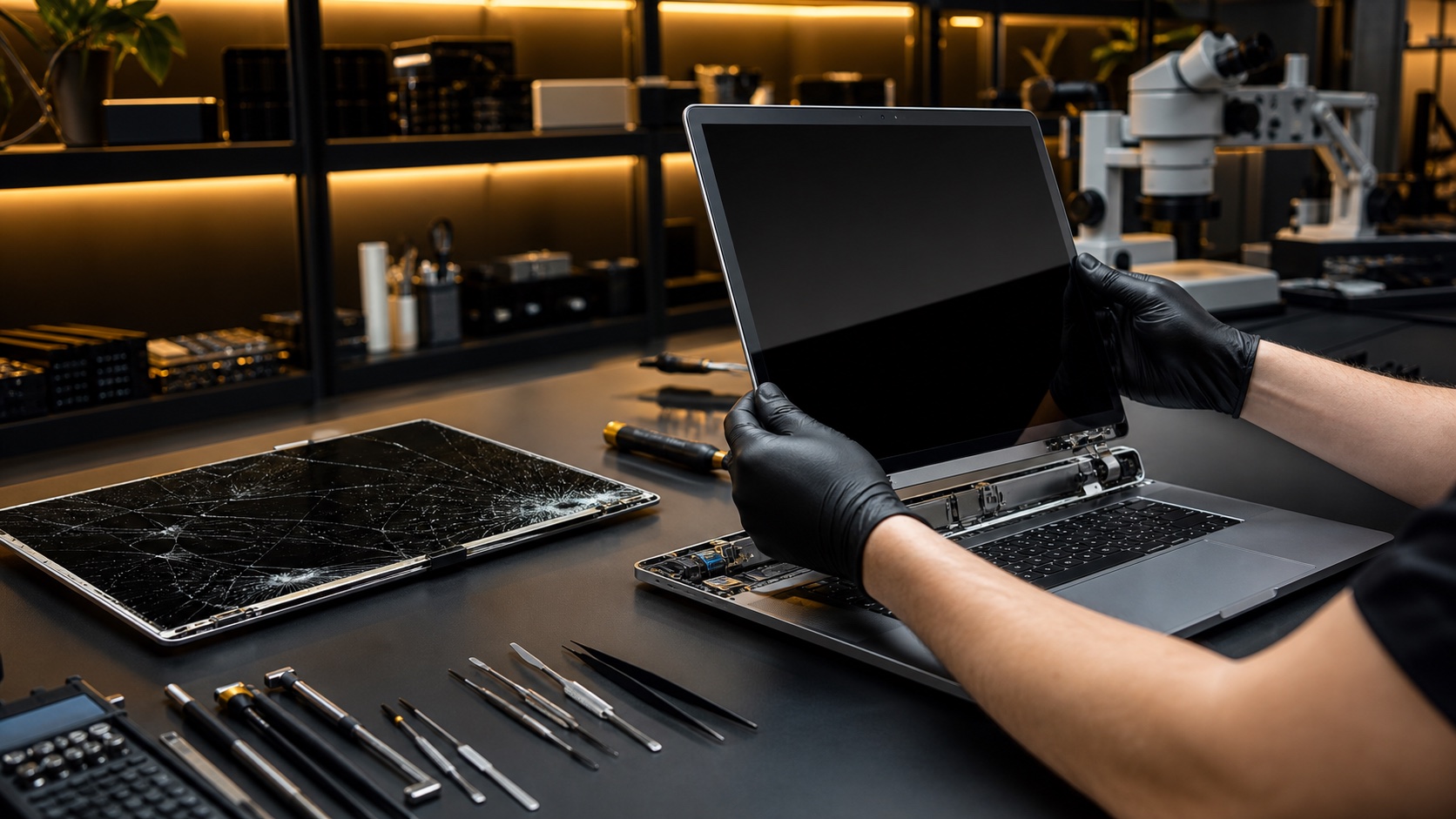
Single keys, groups of keys or the whole keyboard may fail because of switches, matrix, cable or board communication.
Double characters and unintended repeats can come from worn mechanisms, contamination or keyboard electronics.
Missing caps, broken hinges and damaged mechanisms are assessed to determine whether local or assembly repair is practical.
Moisture can affect the keyboard, trackpad, connectors and logic board, so the full damage path needs inspection.
Shared cables, top-case construction or battery swelling can cause keyboard and trackpad symptoms together.
Keyboard layout, accessibility options, remapping tools and software conflicts are checked where symptoms suggest them.
Keyboard construction and replacement options vary between MacBook generations.
We test affected keys, trackpad behaviour, connections and liquid history.
We explain whether local repair or an assembly replacement is appropriate.
Approved work is completed and every key plus related functions are verified.
Sometimes, depending on the key mechanism, damage and model. If the underlying switch or keyboard matrix is faulty, a larger assembly repair may be required.
Repeated characters may result from a worn or contaminated mechanism, keyboard electronics or software settings. Testing distinguishes these causes.
It can appear that way initially, but liquid may also reach the trackpad, connectors, battery or logic board. Prompt inspection is recommended.
Battery swelling can place pressure on the top-case and trackpad. Stop using a visibly swollen MacBook and arrange assessment promptly.
Keyboard repair normally does not require erasing storage, but data is never guaranteed. Keep a current backup where possible.
Yes. We confirm the model and likely repair option, then provide a quote before chargeable replacement work proceeds.
Contact 73inc with the MacBook model and affected keys. We will guide you to the right next step.
Flexible ways to pay
Choose secure card payment, PayPal, or split eligible purchases with Afterpay.
Payment method availability, Afterpay eligibility and provider terms apply.
Trusted by Auckland customers


