



You set your coffee cup a little too close to your MacBook. A split second later, liquid is spreading across your keyboard and your stomach drops. Whether it was water, coffee, juice, or something worse, the next few hours are critical for your device.
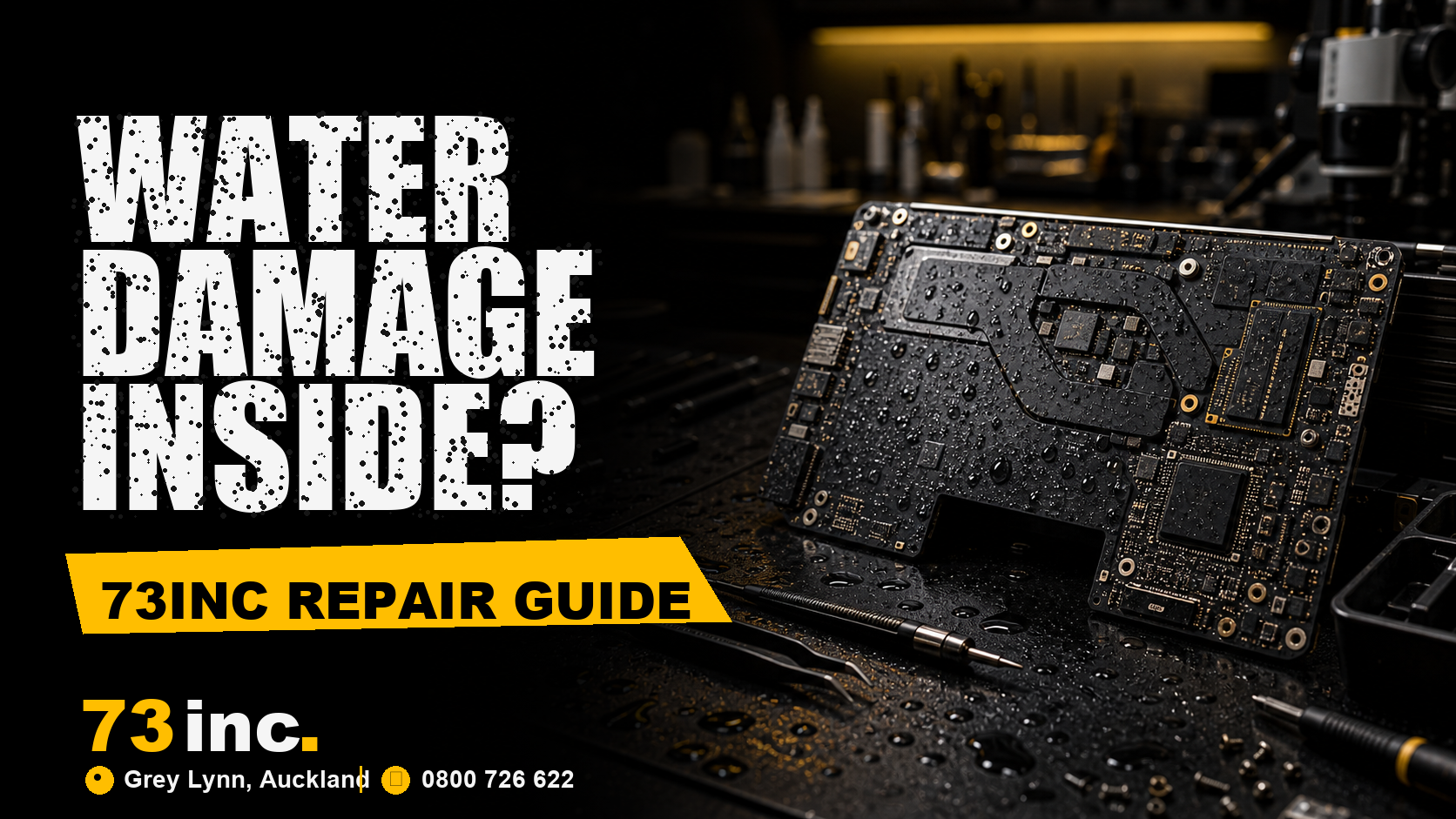
This guide explains exactly what water damage does to a MacBook logic board, what symptoms to look for, the steps you should and should not take immediately, and when it is time to bring your MacBook to a specialist.
If you are in Auckland and need fast, professional help, the repair team at 73inc handles MacBook logic board repairs regularly and can diagnose the damage before you commit to anything.
What Is a MacBook Logic Board and Why Does It Matter?
The logic board is essentially the brain of your MacBook. It is the main circuit board that connects and controls the CPU, GPU, RAM, storage, USB ports, display, and every other component in the machine.
On modern MacBooks, especially those with Apple Silicon chips like the M1, M2, M3, and M4, the CPU, GPU, RAM, and Neural Engine are all integrated directly onto the same chip sitting on the logic board. This level of integration is what makes Apple Silicon MacBooks so fast and power-efficient, but it also means that if the logic board is seriously damaged, replacing individual components is not straightforward.
That is why water damage to a MacBook logic board is so serious. A single short circuit in the wrong place can take out the entire system.
What Water Actually Does to a MacBook Logic Board
Here is something most people do not realize: water itself does not immediately destroy electronics. The real damage happens in two stages.
Stage 1: Short Circuit from the Liquid
When liquid reaches the logic board while the MacBook is powered on, it creates unintended electrical pathways between components. This is called a short circuit. The current flows where it should not, and components can be permanently damaged within seconds.
Stage 2: Corrosion Over Time
Even if your MacBook survives the initial spill and seems to be working, water leaves behind mineral deposits as it evaporates. These deposits are conductive and continue to corrode the logic board’s copper traces, capacitors, and connectors over days or weeks. A MacBook that appears fine after a spill can fail completely two weeks later because of this slow corrosion.
This is why acting quickly matters so much, and why “it seems okay now” does not mean the problem has passed.
Signs That Water Has Damaged Your MacBook Logic Board
Not all water damage looks the same. Some symptoms are immediate, others appear gradually. Here are the most common signs:
Immediate Symptoms
MacBook turns off suddenly after liquid contact
● Screen flickers or goes blank
● Keyboard keys stop responding or produce the wrong characters
● Touchpad behaves erratically or stops working
● Fans run at full speed non-stop
● Burning smell from the device
Delayed Symptoms (Days or Weeks Later)
● MacBook powers on but fails to boot, showing a loading bar that freezes
● Random shutdowns during normal use
● MacBook charges but battery percentage stays at zero
● Display develops lines, patches, or colour distortion
● USB-C ports stop working for data or charging
● MacBook powers on but no image appears on screen
If you are experiencing any of these after a spill, the logic board may already be corroding. The sooner it is professionally cleaned and diagnosed, the better the outcome.
What You Should Do Immediately After a MacBook Gets Wet
The actions you take in the first few minutes can make a significant difference to whether your MacBook can be saved.
Do This Immediately
1. Power off the MacBook right away. Do not wait for it to shut down gracefully. Hold the power button until it turns off.
2. Disconnect the charger and any accessories.
3. If you can safely tilt the MacBook, position it so liquid can drain away from the keyboard. A tent position works well.
4. Gently blot (do not rub) the exterior with an absorbent cloth.
5. Do not put it in rice. Rice is a common myth that does more harm than good. It does not absorb moisture from inside the device and the starch can make things worse.
6. Get it to a repair specialist as soon as possible for an ultrasonic clean.
Do Not Do This
● Do not power it back on to check if it still works. This is the most common way people turn a repairable MacBook into an unrepairable one.
● Do not use a hairdryer or put it in the oven. High heat causes additional damage.
● Do not leave it overnight hoping it will dry out on its own. Corrosion starts within hours.
Can a Water-Damaged MacBook Logic Board Be Repaired?
Yes, in many cases, but it depends on several factors:
● The type of liquid matters. The type of liquid matters.
Pure water is less damaging than drinks containing sugar, acid, or salt. Coffee, juice, soft drinks, and alcohol are all more corrosive than plain water and cause faster, more widespread damage.
● How quickly you powered it off. How quickly you powered it off.
A MacBook that was shut down immediately after contact has a much better survival rate than one that kept running for several minutes while wet.
● How quickly you bring it for professional cleaning. How quickly you bring it for professional cleaning.
An ultrasonic cleaning process can remove corrosive mineral deposits from the logic board before they cause permanent damage to the traces and components. Time is the enemy here.
● The extent of the damage. The extent of the damage.
Sometimes only one or two components are affected and can be replaced at the component level. In more severe cases, the logic board itself needs to be replaced.
A skilled technician will open the MacBook, inspect the logic board under magnification, perform an ultrasonic clean, and test the board to identify exactly which components have been damaged. Only then can an accurate repair quote be given.
How Much Does MacBook Logic Board Repair Cost in Auckland?
Logic board repair costs vary depending on the MacBook model and the extent of the damage. A professional diagnostic and cleaning service is typically much less expensive than a full logic board replacement. Component-level repairs, where a specialist replaces a single damaged chip or capacitor rather than the whole board, can save significant money compared to Apple’s standard repair options.
It is worth getting a professional diagnosis before assuming the worst. Many MacBooks that appear completely dead after a water spill can be brought back to full function with the right repair approach.
The repair team at 73inc in Auckland provides transparent diagnostics so you know exactly what the problem is and what it will cost before any repair work begins.
If you also need a replacement MacBook while yours is being repaired, you can browse the refurbished MacBook range at 73inc for an affordable temporary or permanent option.
Why MacBook Logic Board Repair Requires a Specialist
MacBook logic boards, particularly on Apple Silicon models, are extraordinarily complex. The components are miniaturised to a degree that requires specialist tools: stereo microscopes, hot air rework stations, ultrasonic cleaning baths, and advanced diagnostic software.
This is not a repair that can be performed with standard tools, and attempting it without the right equipment typically causes additional damage. Apple’s own out-of-warranty repair pricing for logic board issues is typically very high, which is why finding a skilled independent specialist in Auckland can result in significant savings.
If your MacBook is still under AppleCare+, it is worth checking your coverage first. If not, or if the damage is classified as accidental and not covered, an independent repair shop with logic board experience is usually the most practical and cost-effective path.
What About Data Recovery?
This is one of the first things people ask when their MacBook stops working after a spill: what about my files?
On older MacBook models with a separate SSD, data recovery may be possible even if the logic board is beyond repair, because the storage chip can sometimes be removed and read separately.
On Apple Silicon MacBooks (M1 and newer), the situation is more complex. The storage is encrypted and tied to the T2 or Apple Silicon chip, which means recovery requires either repairing the board or having a working backup. This is one of the best reasons to use Time Machine or iCloud backups regularly, not just for water damage, but for any hardware failure.
If you did not have a backup and your MacBook will not start, bring it to a specialist before assuming the data is gone. In some cases, partial data recovery is still possible.
Related Articles
7 Most Common Problems with MacBook Air and How to Fix Them
Refurbished vs New MacBook in NZ: Which One Is Worth It in 2026?
MacBook Air vs MacBook Pro: A Comparison of Refurbished Models
Frequently Asked Questions
Can a MacBook be fixed after water damage?
Yes, many water-damaged MacBooks are repairable, especially if they were powered off quickly and brought to a technician soon after the spill. Success rates are higher for water than for sugary or acidic drinks, and for devices that are treated promptly.
How long does MacBook logic board repair take in Auckland?
Diagnostic and cleaning typically takes one to two business days. Depending on whether components need to be ordered, a full repair can take anywhere from two to five business days. 73inc can give you a realistic timeframe after the initial assessment.
Is it worth repairing a water-damaged MacBook or should I buy a new one?
It depends on the age of the MacBook and the repair cost. Older Intel models with widespread corrosion may not be economical to repair. Newer Apple Silicon models with contained damage are usually worth fixing. A professional diagnostic gives you the information you need to make this decision.
Does AppleCare cover water damage?
Standard AppleCare does not cover accidental liquid damage. AppleCare+ does include two incidents of accidental damage per year, subject to a service fee. If you have AppleCare+, check your coverage before seeking an independent repair.
What should I NOT do after spilling water on my MacBook?
Need MacBook logic board repair in Auckland? The team at 73inc can diagnose, clean, and repair water-damaged MacBooks at their Auckland location. Call 0800 726622 or visit
Do not power it back on, do not use a hairdryer, do not put it in rice, and do not leave it for days hoping it will fix itself. Turn it off, keep it off, and get it to a technician as soon as possible.


