Short runtime
The MacBook drains much faster than it used to during normal use.


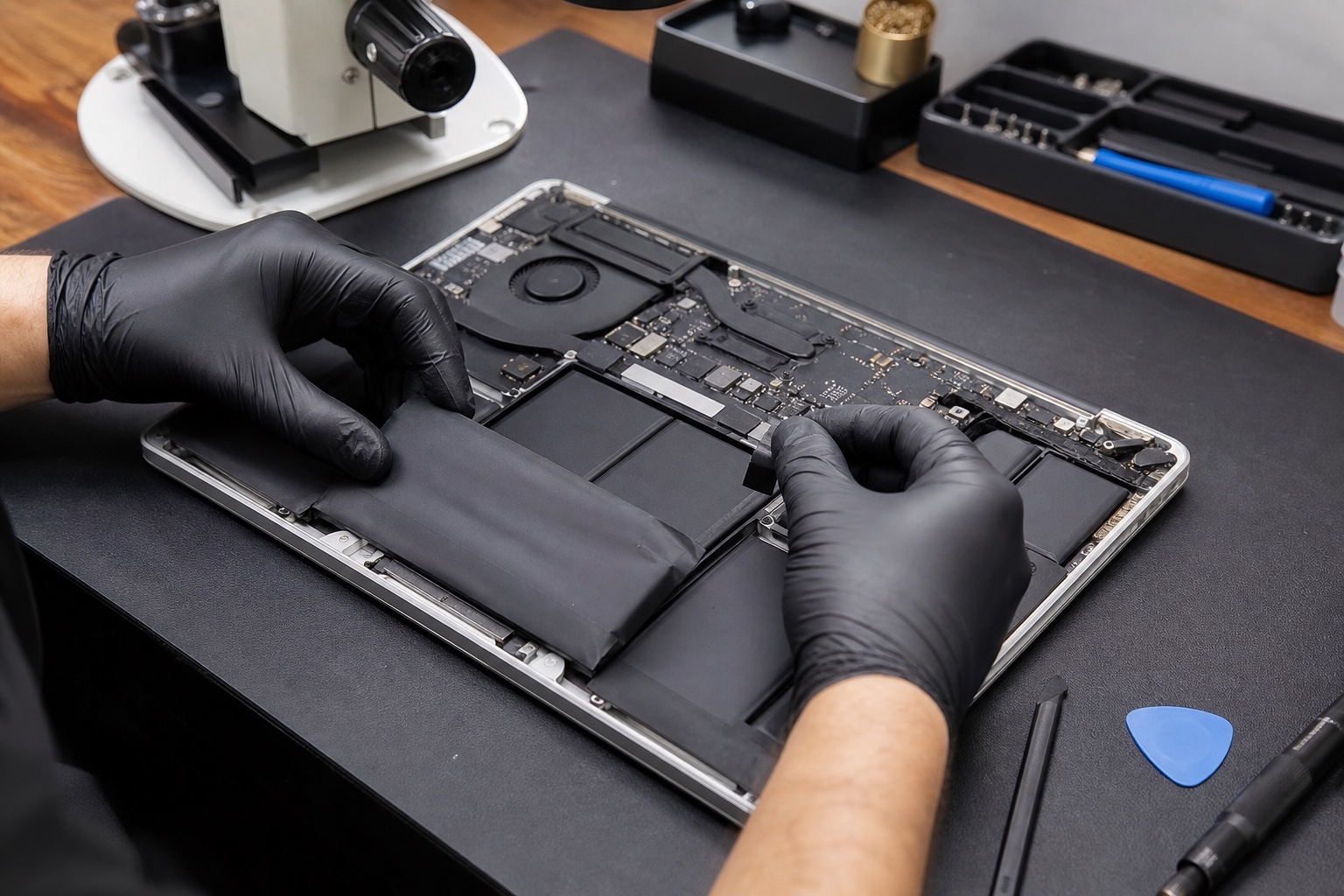
Battery diagnosis and replacement for MacBook Air and MacBook Pro models with poor runtime, charging warnings, unexpected shutdowns or swelling concerns.
Fast drain, shutdowns and a MacBook that will not charge can involve the battery, charger, USB-C or MagSafe connection, charging circuitry or software. We confirm the likely cause before recommending replacement.
Exact pricing depends on the MacBook model, battery option, parts availability and repair requirements. We confirm the applicable price before repair work proceeds. Turnaround depends on diagnosis, the repair required and parts availability.
See model-specific information for MacBook Air battery replacement and MacBook Pro battery replacement, or explore our Apple Repairs services.
The MacBook drains much faster than it used to during normal use.
The computer powers off while charge is still displayed.
macOS reports a battery health or service recommendation.
Charging behaviour is checked before a battery is ordered.
A raised trackpad or distorted case requires prompt safe assessment.
Older batteries can lose capacity and contribute to excess heat.
Confirm the model, battery condition and charging symptoms. Assessments are typically NZ$230 incl GST, paid at booking. We confirm the applicable assessment fee before booking. This fee is deducted from the final repair total if the approved repair proceeds and is completed.
Explain the fault, replacement option and exact cost.
Install the approved compatible battery safely.
Test recognition, charging and basic battery operation.
Short runtime, shutdowns, service warnings and swelling are common indicators, but charging faults should be ruled out first.
MacBook Air battery replacement: typically NZ$230–NZ$575 incl. GST. MacBook Pro battery replacement: typically NZ$249–NZ$690 incl. GST. Exact pricing depends on the MacBook model, battery option, parts availability and repair requirements. We confirm the applicable price before repair work proceeds.
Turnaround depends on diagnosis, the repair required and parts availability.
Not always. The charger, port and logic-board charging circuit can cause similar symptoms, so diagnosis comes first.
Stop charging and using the MacBook, do not press or puncture the battery, and arrange professional assessment.
Send the exact model and describe the battery or charging symptoms.
Flexible ways to pay
Choose secure card payment, PayPal, or split eligible purchases with Afterpay.
Payment method availability, Afterpay eligibility and provider terms apply.
Trusted by Auckland customers


