



A repair quote only makes sense alongside what the Mac still needs to do. A battery fault on a suitable machine is a different decision from several faults on a Mac that can no longer run your required software.
Compare the whole cost and likely usefulness of each option, including your data and downtime. Age matters, but it is not a decision on its own.
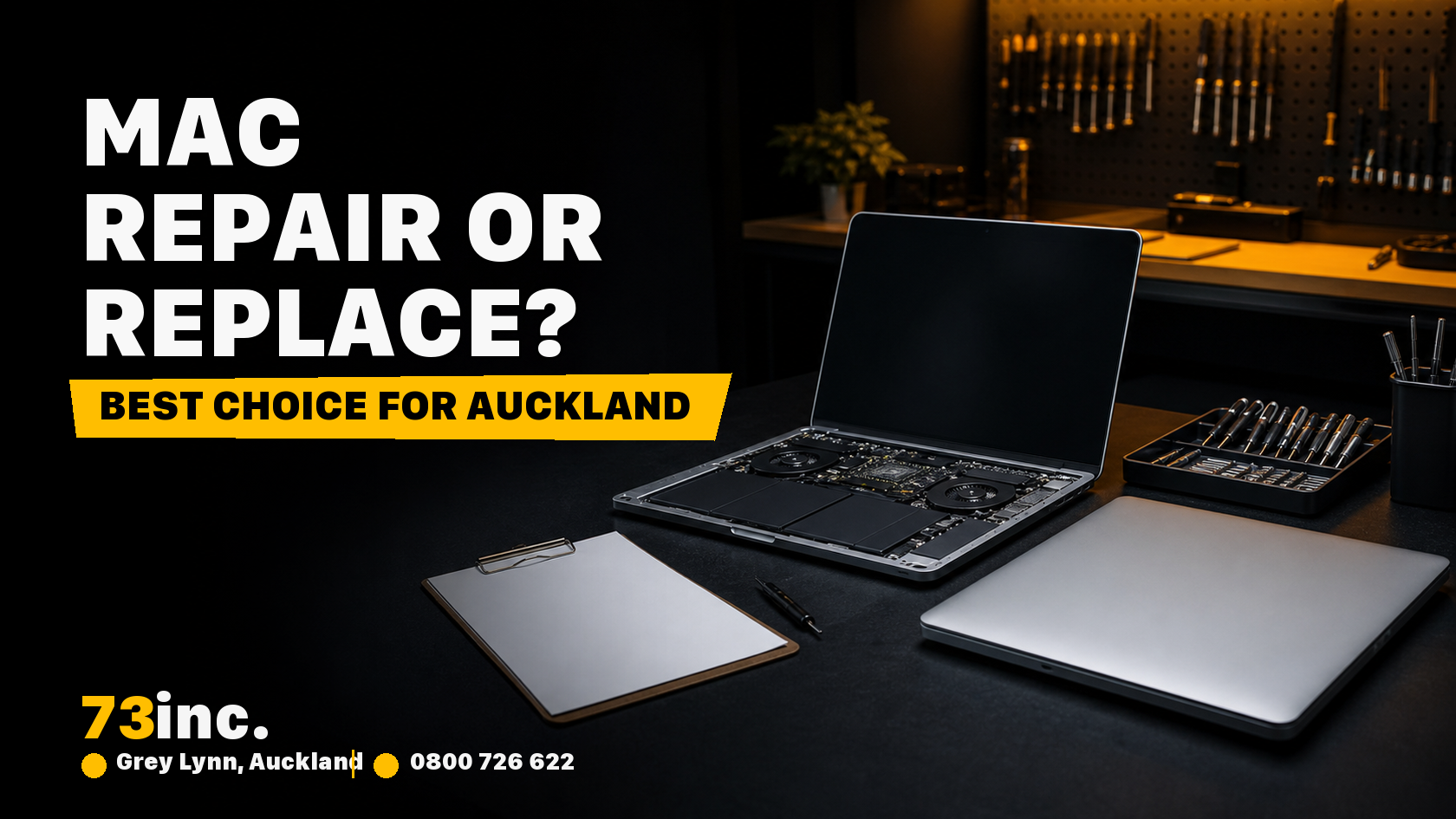
When a repair earns its cost
- Cost in the short term: A new MacBook can cost thousands of dollars, while some repairs cost considerably less. Compare an assessed repair quote with a suitable replacement, including any other faults and the likely useful life of the Mac.
- Making your device last longer: An appropriate repair can extend useful service if the rest of the Mac still meets your needs. Internal SSD upgrades depend on the exact model and are not an option on many recent MacBooks.
- Good for the environment: Keeping a usable Mac in service can reduce the need for a replacement and delay electronic waste. Consider whether the repair will provide useful service life.
- Plan for your data: Neither repair nor replacement guarantees preservation of files. Check your backup before authorising work and discuss important data at intake. Replacing a board or storage can affect access; moving to a new Mac also needs a transfer plan.
When replacement becomes the stronger option
- When repairs are costly: If the quote approaches the cost of a suitable replacement, compare what each option leaves you with. Multiple faults, such as a broken screen and a failing logic board, can make repair harder to justify.
- Software and specifications: check the macOS versions and apps your work requires, along with memory and storage needs. A repair fixes a fault; it does not necessarily make an older model suitable for a new workload.
- Help and warranty: AppleCare is not automatically included with every new MacBook. Check the actual cover and terms separately from the product warranty and any consumer rights. Before authorising independent repair, check Apple warranty, AppleCare, insurance or other cover yourself. Apple’s NZ coverage information explains its plans.
What to ask before approving work
73inc is an independent Auckland repairer. An assessment and repair quote can help you compare the available repair with a suitable replacement.
Ask which fault the quote addresses, whether other known faults remain, and what parts availability means for timing. Compare that with the full replacement cost and the time needed to transfer your files and set up your apps.
Our team can inspect your MacBook and provide a quote for the available repair. An assessment fee applies and is deducted from a successfully completed approved quoted repair. If an approved repair is attempted but unsuccessful, there is no additional repair charge beyond the assessment fee. Applicable repairs carry a 90-day (3-month) return-to-base parts-and-labour warranty.
A repair can also buy planning time
An appropriate repair can give you time to plan a replacement. A battery repair, for example, may be worthwhile if the rest of the Mac meets your needs. Avoid assuming it will add a fixed number of years or that extra internal storage can be fitted.
Put the two options side by side
Compare the repair quote, other faults, required software, future workload, data plan and expected useful life with the cost of a suitable replacement. If a repair addresses the problem and the Mac still fits the job, it may be worth doing. If it leaves you with an unsuitable machine or several unresolved faults, replacement deserves serious consideration.


