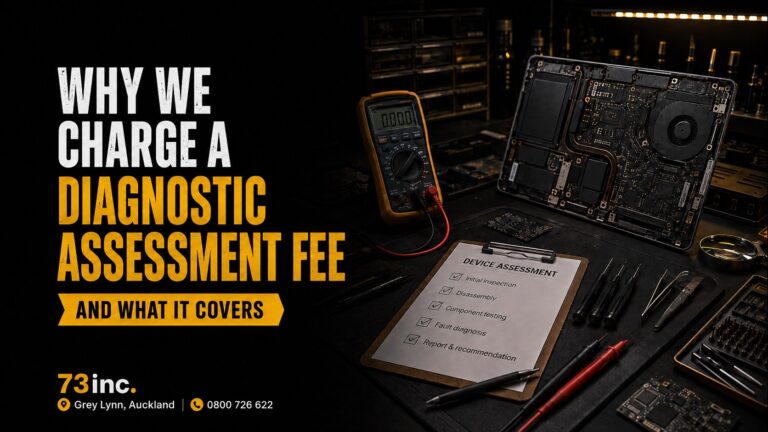
Why We Charge a Diagnostic Assessment Fee — and What It Covers
What a device assessment actually involves, what the diagnostic assessment fee covers, when it’s credited against a repair, and why it applies whether or not you proceed.


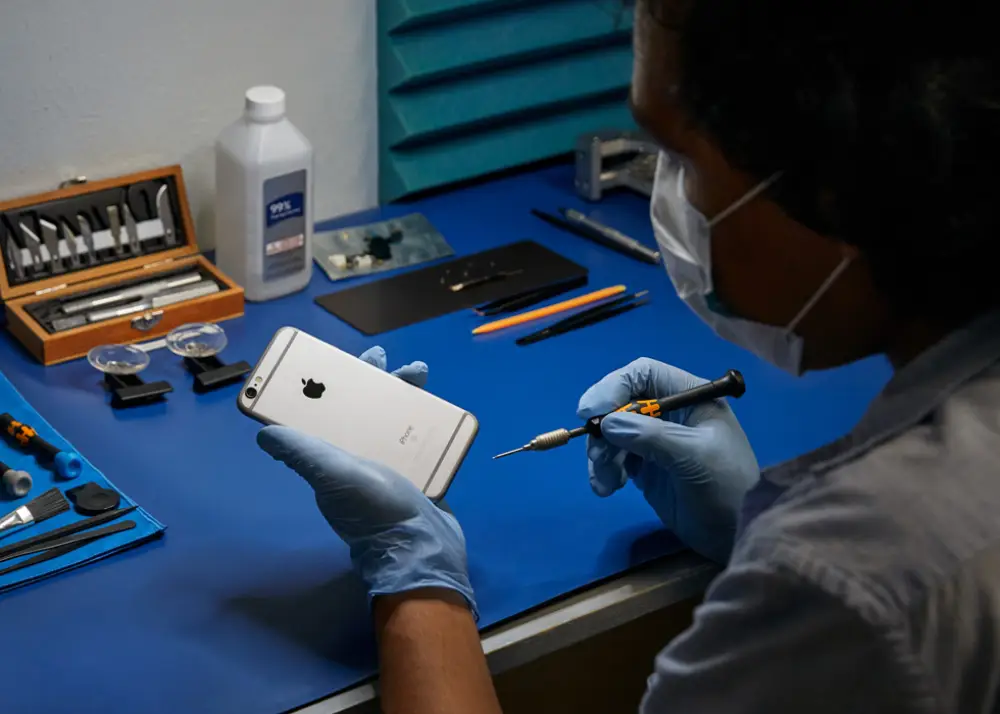
What a device assessment actually involves, what the diagnostic assessment fee covers, when it’s credited against a repair, and why it applies whether or not you proceed.

The rice trick for a wet phone is a myth — and it can make things worse. Here’s what actually happens when a phone gets wet, and the right steps to save it.

Bought a MacBook or iPhone locked to a previous owner? Learn who can legitimately remove Activation Lock, what Apple requires, and how to avoid buying a locked device.
Time Machine is Apple’s built-in backup system and it is the single best thing you can do to protect your Mac data. This guide walks
You set your coffee cup a little too close to your MacBook. A split second later, liquid is spreading across your keyboard and your stomach

Most people upgrading their MacBook in New Zealand make the same mistake: they either leave their old machine in a drawer or they hand it
Flexible ways to pay
Choose secure card payment, PayPal, or split eligible purchases with Afterpay.
Payment method availability, Afterpay eligibility and provider terms apply.
Trusted by Auckland customers


