Power input
We test the charger, cable, port and charging circuit to confirm stable power reaches the MacBook.


A black screen does not always mean a dead MacBook. We test the charging path, battery, display and logic board to find the actual fault before recommending a repair.
A MacBook that appears completely dead can have several very different causes. It may not be receiving power, the battery may no longer accept charge, the display may be dark while the computer is running, or a fault on the logic board may be stopping startup.
Our Auckland technicians begin with non-destructive checks and measured diagnostics. We confirm the model, symptoms and recent history, then test the charger, USB-C or MagSafe input, battery communication, display response and power rails. You receive a clear explanation and quote before chargeable work proceeds.
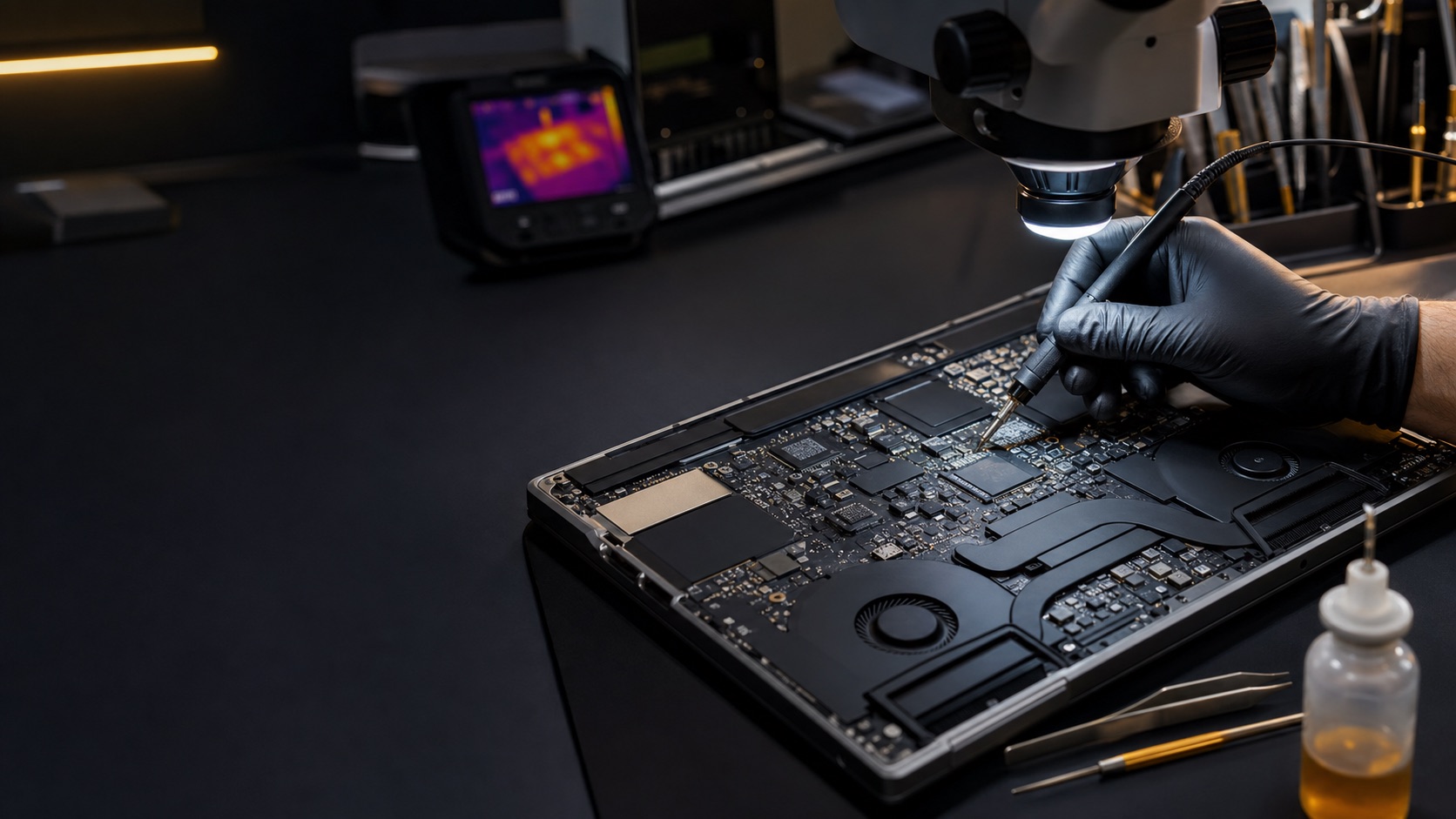
Good diagnosis separates a straightforward power problem from a board-level fault and helps avoid unnecessary parts replacement.
We test the charger, cable, port and charging circuit to confirm stable power reaches the MacBook.
A failed or deeply discharged battery can prevent normal startup or make the MacBook shut down immediately.
Backlight or display faults can look like no power even when the MacBook is booting and producing an image.
Power-rail, liquid-damage and component faults are assessed under controlled bench conditions.
Tell us what happened, what charger you use and whether there were warning signs.
We check power, battery, display and board-level behaviour using model-appropriate tests.
We explain the fault, repair options, price and expected turnaround before proceeding.
Approved work is completed, then startup, charging, sleep and stability are verified.
Possible causes include a charger or cable fault, a damaged charging port, a failed battery, liquid damage, a display problem or a logic-board power fault. Testing is the reliable way to separate them.
Yes. A MacBook can boot with a failed display, backlight or display connection. We check for signs of startup and external-display output during diagnosis.
Where practical, 73inc performs component-level logic-board repair. The best option depends on the fault, board condition, model and repair economics, which we explain in the quote.
Disconnect power, do not keep trying to start or charge it, and arrange an assessment promptly. Repeated power attempts can increase corrosion or electrical damage.
Many no-power repairs do not affect stored data, but no repair can guarantee data until the storage and board condition are assessed. Tell us immediately if your files are the priority.
Assessment fees are typically NZ$149–NZ$230 incl. GST, depending on the MacBook model and the type of fault being investigated. We confirm the applicable assessment fee before booking. The assessment fee is paid at booking and, if the approved repair proceeds and is completed, it is deducted from the final repair total rather than charged on top of it.
Cost depends on whether the issue is power input, battery, display or logic board. We diagnose the fault and provide a quote before chargeable repair work proceeds.
73inc is an independent repair business based in Grey Lynn, Auckland.
Visit 73inc in Grey Lynn, Auckland, or contact us first to discuss the symptoms.
Flexible ways to pay
Choose secure card payment, PayPal, or split eligible purchases with Afterpay.
Payment method availability, Afterpay eligibility and provider terms apply.
Trusted by Auckland customers


