

MacBook Pro & Air Screen Replacement Auckland
Diagnosis and screen assembly replacement for cracked, lined, flickering, dim or blank MacBook Pro and MacBook Air displays—with the display path tested before expensive parts are ordered.
A blank MacBook display is not always a broken screen
Cracked glass, ink-like patches and obvious panel damage usually require a complete display assembly. Flickering, lines, intermittent image or a black screen can also involve display cables, backlight power, liquid damage or the logic board.
We identify the exact MacBook model, compare internal and external display behaviour and inspect the hinge and cable area before recommending a screen assembly. Where the fault is board-level, component diagnosis can avoid ordering the wrong display.
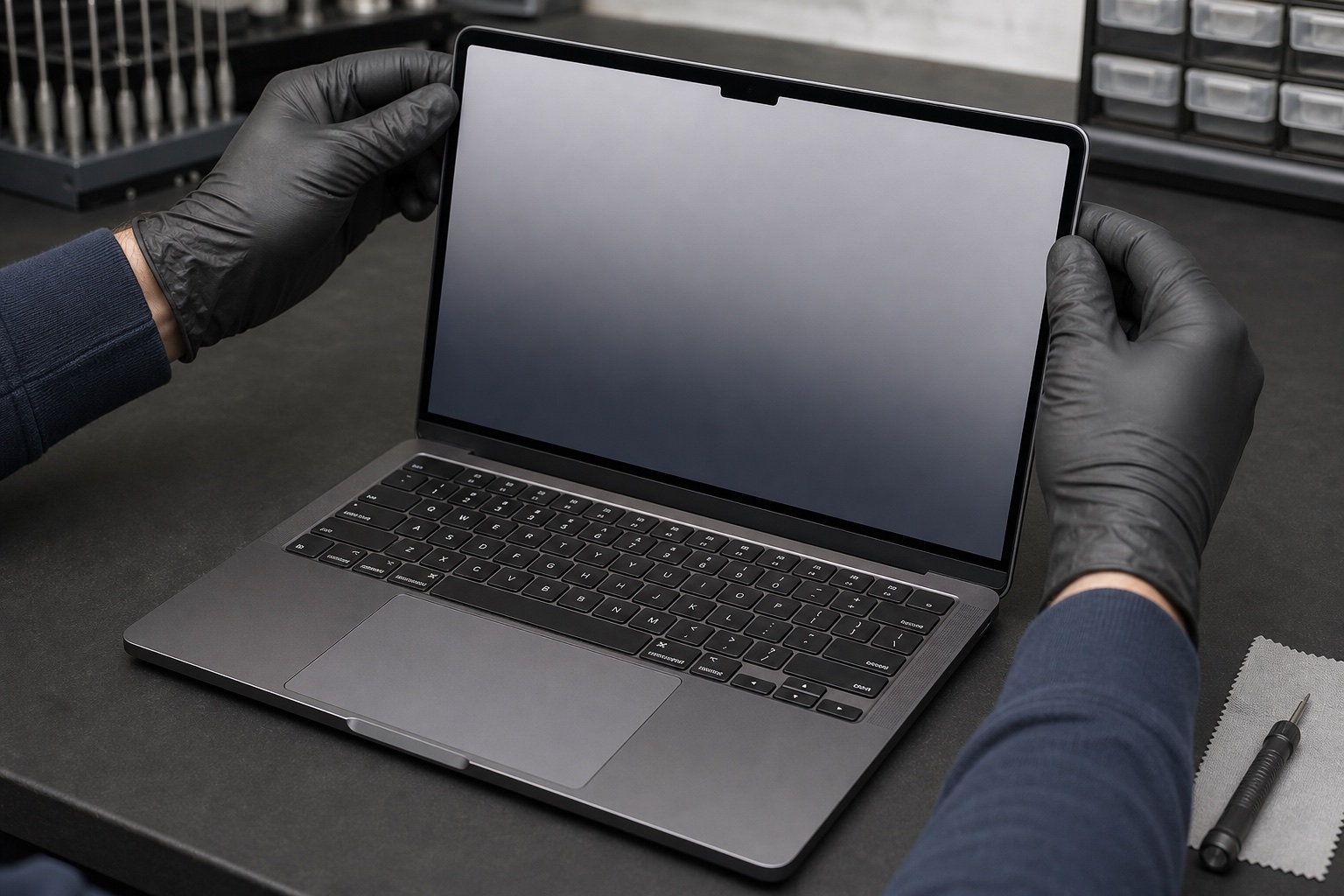
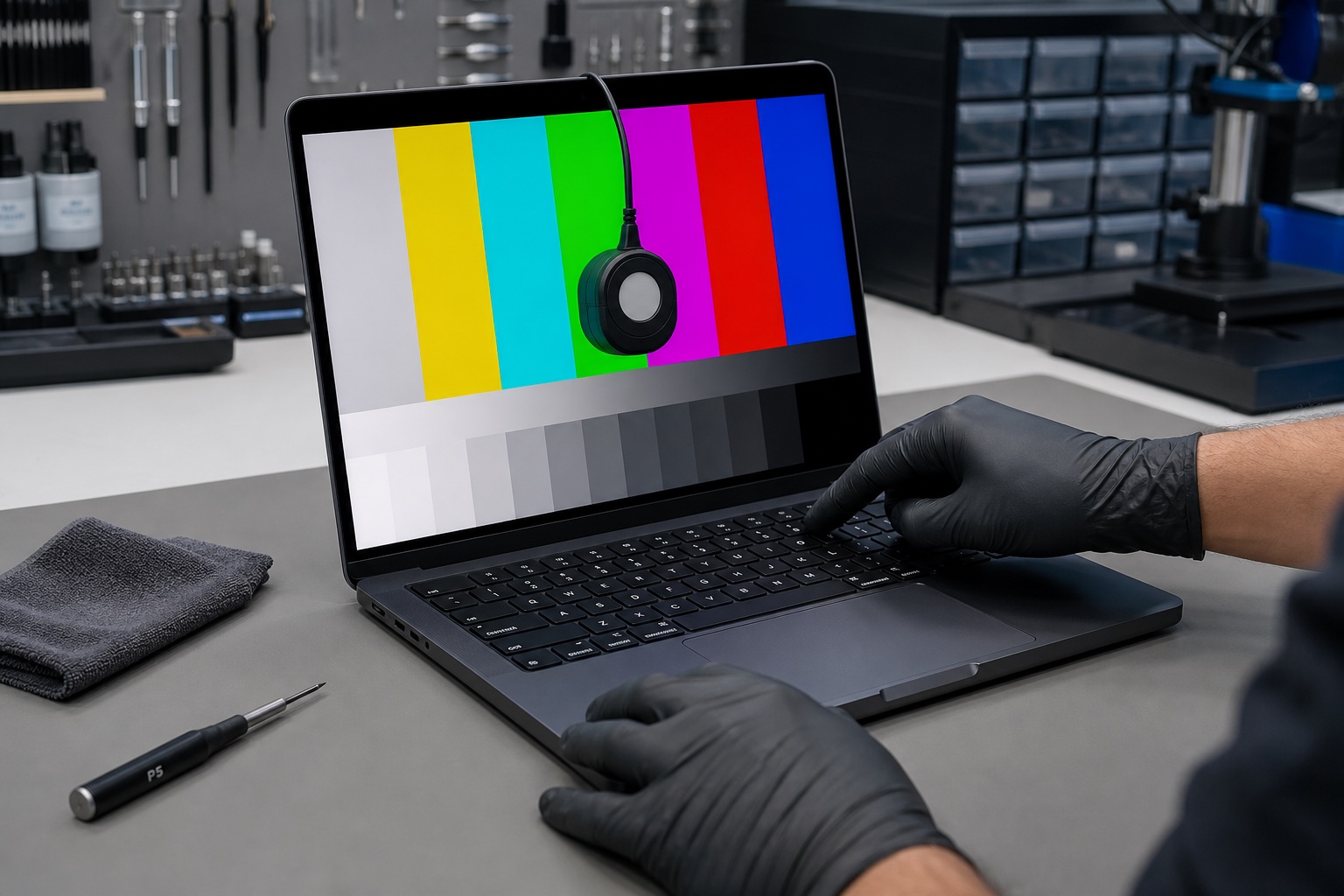
A replacement MacBook display is tested before handover
After fitting the approved assembly, we verify the image across colour and grayscale patterns, check brightness control and confirm that the display remains stable through normal hinge movement.
Camera, ambient-light and sleep behaviour are also checked where the model supports them, followed by a final visual inspection of the enclosure and hinge alignment.
Screen and display-path problems we assess
Cracked display assemblies
Model-matched replacement for physically damaged MacBook screens.
Lines and image distortion
Panel, cable and display-path diagnosis for lines, blocks and colour faults.
Dim or no backlight
Backlight power and board-level checks before a full display is ordered.
Flickering or intermittent image
Inspect flex cables, hinge movement and related display circuitry.
Liquid-related display faults
Assess corrosion around connectors and display-power pathways.
External display comparison
Compare external output to separate screen faults from graphics or board faults.
From display symptom to verified repair
Identify
Confirm the exact MacBook model and display specification.
Diagnose
Test the panel, cables, backlight path and external output.
Quote
Explain the correct repair and confirm parts before ordering.
Replace & verify
Fit the approved assembly and test image, brightness and hinge movement.
Frequently asked questions
Do you replace screens on MacBook Air and MacBook Pro?
Yes. We assess many MacBook Air and MacBook Pro models and identify the exact display assembly before confirming availability and price.
Does a black screen always mean the display must be replaced?
No. Backlight power, display cables, liquid damage, the logic board or startup faults can create similar symptoms, so diagnosis comes first.
Can a cracked MacBook screen be repaired?
A physically cracked LCD or glass assembly is normally replaced as a complete display assembly. We also inspect hinges, cables and the surrounding enclosure.
Do you perform board-level display diagnosis?
Yes, for selected faults. We can assess backlight and display-power circuitry where practical before recommending a complete display replacement.
How long does MacBook screen replacement take?
Timing depends on diagnosis and availability of the exact model-matched assembly. We provide an estimated timeframe before approved work proceeds.
Will replacing the screen affect my data?
Screen replacement normally does not alter storage, but a current backup is always recommended before any repair.
Cracked, flickering or blank MacBook display?
Send the exact MacBook model and symptoms so we can identify the right diagnostic path.


