No-power and startup
Power supply, motherboard, cabling and boot diagnosis.


Diagnosis, repair and upgrade advice for home and office desktops, gaming PCs and selected all-in-one computers, with the fault isolated before money is spent on parts.
A computer that crashes, overheats, runs slowly or will not start may involve power, cooling, memory, storage, graphics or Windows. Randomly replacing parts can be costly and may not solve the problem.
We test the relevant components, consider data safety and explain repair, upgrade or replacement options based on the machine and how you use it.
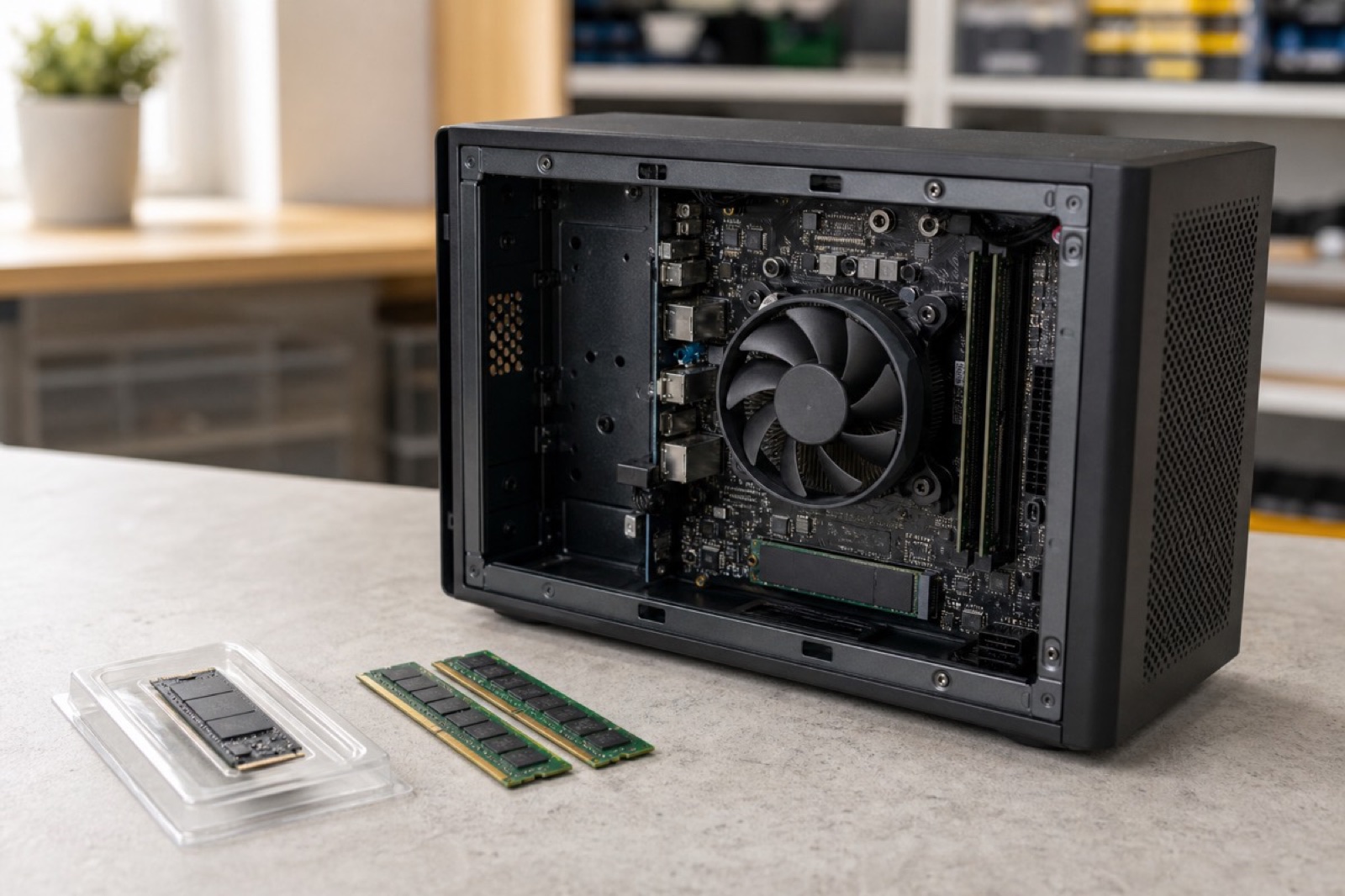
Power supply, motherboard, cabling and boot diagnosis.
Cooling, airflow, fan and thermal-performance assessment.
Drive health, capacity upgrades and data-migration options.
Memory testing and compatible capacity upgrades.
Selected graphics, power, heat and stability problems.
Boot, driver, malware and operating-system troubleshooting.
Record symptoms, hardware and important data.
Isolate the failing component or software layer.
Explain repair, upgrade and replacement value.
Complete approved work and stability-test the PC.
Yes. We assess home and office desktops, custom gaming PCs and selected all-in-one systems.
Yes. We check power delivery, cabling, components and motherboard behaviour to identify the likely cause.
Often. SSD, RAM, cooling and software improvements may help, but we first check compatibility and whether the upgrade is worthwhile.
Yes. We inspect cooling, airflow, fans, thermal contact and other hardware or software causes.
We consider data safety during diagnosis and discuss backup or recovery options whenever storage health is involved.
Yes. We explain the diagnosis and proposed cost before chargeable repair or parts replacement proceeds.
Tell us the symptoms and system type for a clear repair assessment.
Flexible ways to pay
Choose secure card payment, PayPal, or split eligible purchases with Afterpay.
Payment method availability, Afterpay eligibility and provider terms apply.
Trusted by Auckland customers


