



A cracked or malfunctioning MacBook screen can disrupt your work, entertainment, and daily productivity. At 73inc, we understand the frustration and urgency that comes with screen damage. Whether it’s a minor line running across your display or a fully shattered screen, this guide is here to help you understand your options and make informed decisions about Mac screen repairs.
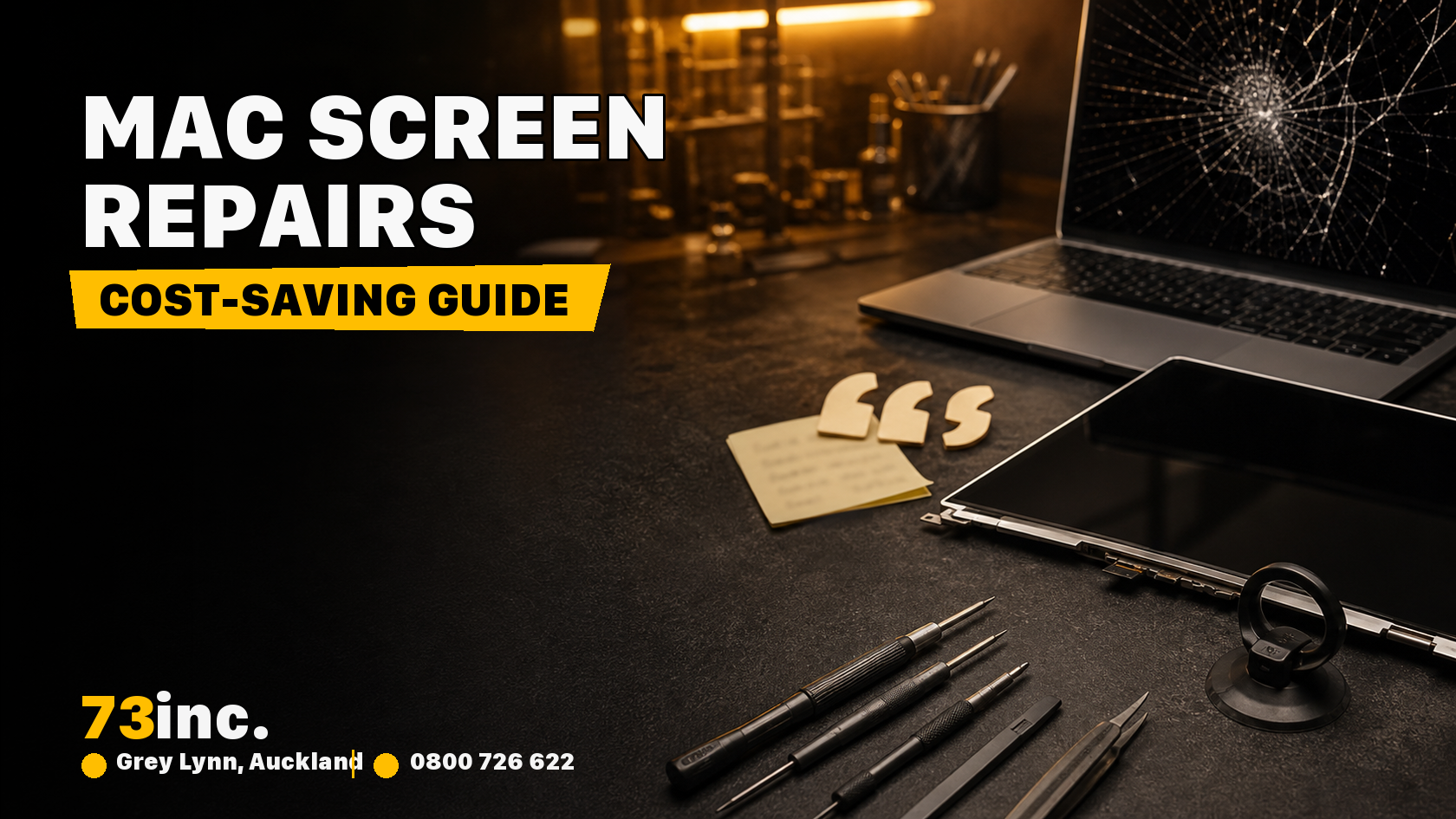
Understanding the Basics of Mac Screen Damage
Before rushing into a repair, it’s essential to assess the extent of the problem. Is your screen physically cracked, or is it showing flickers, dead pixels, or discoloration? In either case, the issue could range from surface-level damage to internal hardware failure. Regardless of the cause, timely intervention is key to preventing further complications.
Common Scenarios Requiring MacBook Screen Repairs
Several scenarios may lead you to seek MacBook screen repairs:
- Physical cracks from accidental drops
- Lines or flickering caused by internal component damage
- Screen blackouts despite the MacBook powering on
- Uneven brightness or colored patches on the display
These problems not only affect visibility but can also strain your eyes and decrease overall productivity.
What Affects the Repair Strategy?
When deciding on the best solution for Mac screen repairs, keep these points in mind:
- The model of your MacBook: Newer MacBooks, especially those with Retina or Liquid Retina displays, may require more intricate repairs.
- Extent of the damage: A minor crack might not need a full replacement, but severe internal damage typically will.
- Warranty status: If you’re still under warranty or have AppleCare, check your coverage. While 73inc is not affiliated with Apple, we offer expert diagnostics and honest advice.
MacBook Screen Repair Options
1. Professional Repair at 73inc
At 73inc, MacBook screen repairs depend on the exact model, fault and parts availability. Our technicians use high-quality parts and precise tools to restore your screen’s performance. You won’t find vague explanations or hidden costs—just expert service and genuine support.
Pros:
- Timeframe confirmed after assessment
- Experienced repair team
- 90-day return-to-base warranty on applicable parts and labour
When to choose this:
- You want your MacBook fixed correctly the first time.
- You prefer speaking directly with the people handling your repair.
2. External Monitor Workaround (Temporary Fix)
If your MacBook screen is completely unusable, but the system still functions, connecting it to an external monitor can buy you time.
How it helps:
- Lets you access your data and continue working
- Prevents urgency while you evaluate repair options
However, this is not a long-term solution. It’s best used while scheduling your screen replacement.
3. Adjust Display Settings (For Minor Issues)
In some cases, temporary flickers or brightness inconsistencies can be improved by adjusting your system settings:
- Reduce brightness and contrast
- Use Night Shift to reduce eye strain
- On Intel-based Macs only, an NVRAM reset may help relevant display-setting issues; follow Apple’s model-specific instructions.
These tweaks won’t resolve hardware damage but may improve usability until the issue is fixed.
Why Delaying Repairs Can Cost More
Putting off Mac screen repairs might seem like a harmless way to save time or money, but the risks often outweigh the benefits:
- Cracks spread over time, worsening visibility and making repairs more expensive.
- Touch functionality (if applicable) becomes unreliable.
- Internal components are exposed to dust or moisture through cracked glass, which can lead to secondary damage.
Prompt assessment may help limit further damage; the outcome depends on the fault.
Temporary Fixes and What They Really Mean
While some users apply screen protectors to cracked screens or try to tape over the damage, these are short-term solutions at best. Here’s a quick breakdown:
- Do not press or apply a protector to a cracked MacBook display as a repair; avoid handling loose glass and arrange assessment.
- DIY kits may seem cheaper but carry the risk of causing further damage.
If you value your MacBook, skip the band-aids and go for a professional repair that restores both appearance and performance.
Choosing the Right Repair Partner
You might have searched for “Apple repairs the screen” and found numerous options. But not all repair services are the same. Here’s why 73inc stands out:
- No inflated pricing—just honest quotes
- Confirm support for your exact MacBook model
- Local, accessible support in Auckland
When it comes to MacBook screen repairs, experience matters. Our team at 73inc handles each case with care, ensuring your device returns to you in reliable condition.
FAQs About Mac Screen Repairs
Q: Can I repair my screen if my MacBook is older?
A: Yes. We repair a wide range of models, including older units. Contact us to confirm compatibility and parts availability.
Q: How long does a typical repair take?
A: We estimate the timeframe after assessment; it depends on the model, fault, parts availability and workload.
Q: Is my data secure while my MacBook is being repaired?
A: Yes. We recommend backing up your files, but our repairs don’t involve formatting or data removal unless necessary.
Final Thoughts
A cracked or damaged screen doesn’t have to mean the end of your MacBook’s life. With help from 73inc, you have access to expert diagnostics, quality Mac screen repairs, and honest advice—without the pressure or unnecessary add-ons.
Whether you’re dealing with spider-web cracks, pixel issues, or blackouts, let us take care of your MacBook screen repairs. And next time someone asks, “Who does Apple repairs the screen?”—you’ll know 73inc is the answer.
Visit us today for efficient, expert service you can count on.


