



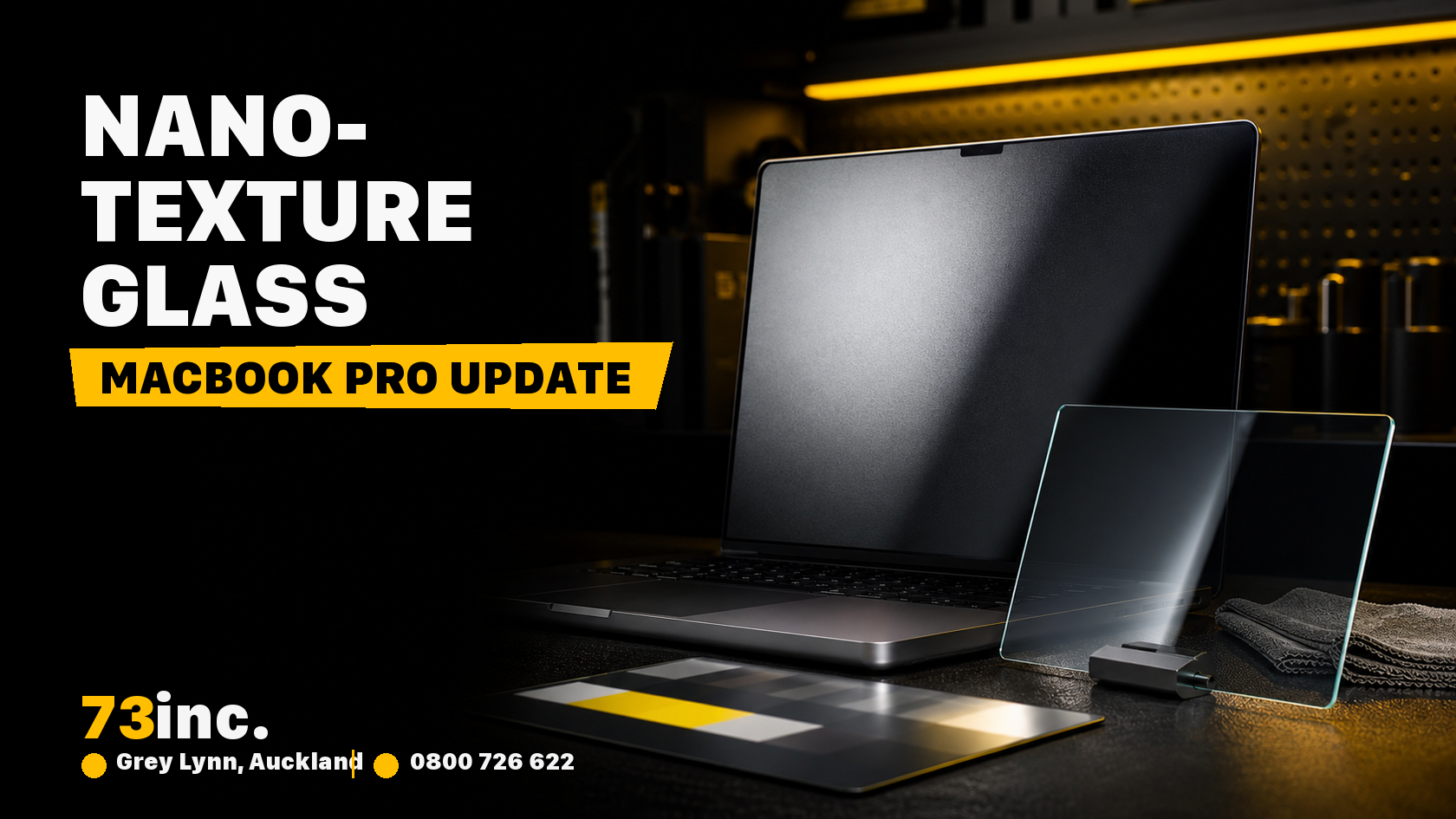
In October 2024, Apple announced its new MacBook Pro lineup – MacBook Pro 14 and MacBook Pro 16 – with more powerful chips and shiny new M4 processors. According to the M4 Max benchmark, the new MacBook Pro is the most powerful Mac ever released.
However, what makes the lineup unique is Apple’s nano-texture display. This is the first time the option has been available on Apple laptops. Keep reading this blog to learn more about nano-texture displays in MacBooks.
What is Apple’s nano-texture display?
Glare is often a problem in outdoor and brightly lit spaces. It makes it difficult to see the screen clearly and strains your eyes. Many users choose matte displays over glossy displays to combat this problem. The special coating on angular matte displays breaks down the light. But since this works both ways, the light emanating from the display itself is also modified, giving murkier results.
Nano-texture glass is designed to reduce glare; whether it suits your work depends on lighting, viewing preferences and its care requirements. Apple’s nano-texture display forgoes coating and physically alters the surface through nano etchings. So, light rays, as they hit the display, are reflected off at different angles, eliminating most of the glare.
The technology is not new; Apple first introduced nano-texture glass with Pro Display XDR in 2019. Etched at a nanometer scale, the display preserves image quality while scattering ambient light to reduce or eliminate glare. Apple says this type of display is extremely useful for high-end, color-managed workflows or ambient lighting environments.
Nano-texture glass review – Benefits
Nano-texture glass developed by Apple has many benefits, as discussed below:
Reduced glare: Traditional matte finish often diminishes sharpness and compromises clarity. On the other hand, nano-texture displays on MacBooks reduce glare while still maintaining clarity, sharpness, and reflections by diffusing light at a microscopic level.
Visible clarity: By diffusing light at the nano level, the nano-texture glass provides a clearer and more vibrant display than conventional anti-glare displays. So, these are ideal for work that involves heavily detailed visuals, like image and video editing.
Best for prolonged use: Glare often strains our eyes when we use such screens for a long time. Nano-texture glass can reduce glare, but it does not guarantee freedom from eye strain; take breaks and adjust your working environment.
Highly durable: Apple develops its nano-texture displays with a major focus on durability. The screen maintains scratch resistance while delivering anti-reflective advantages to its users.
The nano-texture display seems revolutionary and an extremely helpful feature. Apple and its users have appreciated this feature.
How to clean MacBook nano-texture glass?
Apple has released a special polishing cloth to clean the premium material safely and properly. To remove dust and smudges off of Apple Studio Display, iMac, MacBook Pro 14 and 16, and other devices featuring the nano-texture display, use only the polishing cloth that comes with these devices.
- It will help keep your devices clean while preventing damage to the screen.
- For infrequent cleaning of hard-to-remove smudges, Apple permits moistening the supplied polishing cloth with a 70-percent isopropyl alcohol solution.
- Just make sure you never use any other cloth or material to clean the nano-texture display.
- If you have lost the clothes included, you can buy another one.
FAQs
What is the difference between nano-texture glass and standard glass?
The difference between nano-texture glass and standard glass is greater. Nano-texture glass reduces reflections in some bright environments; standard glass remains usable, and visibility depends on lighting, brightness and viewing angle. So, if you plan to use an iPad or MacBook in an environment with lots of lights, like outdoors, it is highly recommended to choose a nano-texture glass display over standard glass.
Can nano-texture glass get damaged?
Yes, it can. Just like standard MacBook screens, a nano-texture screen can also get damaged with improper care or drop. So, if your device’s screen experiences any damage, immediately take it to a reputable Apple repair provider. An assessment can establish the damage, repair options and likely timeframe; it cannot guarantee that damage will not progress.
How much is the nano-texture glass?
Nano-texture availability and upgrade pricing depend on the model, configuration, region and purchase date; check the applicable New Zealand configuration before buying. When it comes to Apple MacBook Pro, this add-on upgrade is available for all configurations.
Is nano-texture matte?
Yes. Apple’s nano-texture glass comes with a matte finish. However, compared with regular matte display, nano-texture glass is much better at distributing light and offering clarity.


