


Fix Today, Pay Tomorrow
afterpay logo

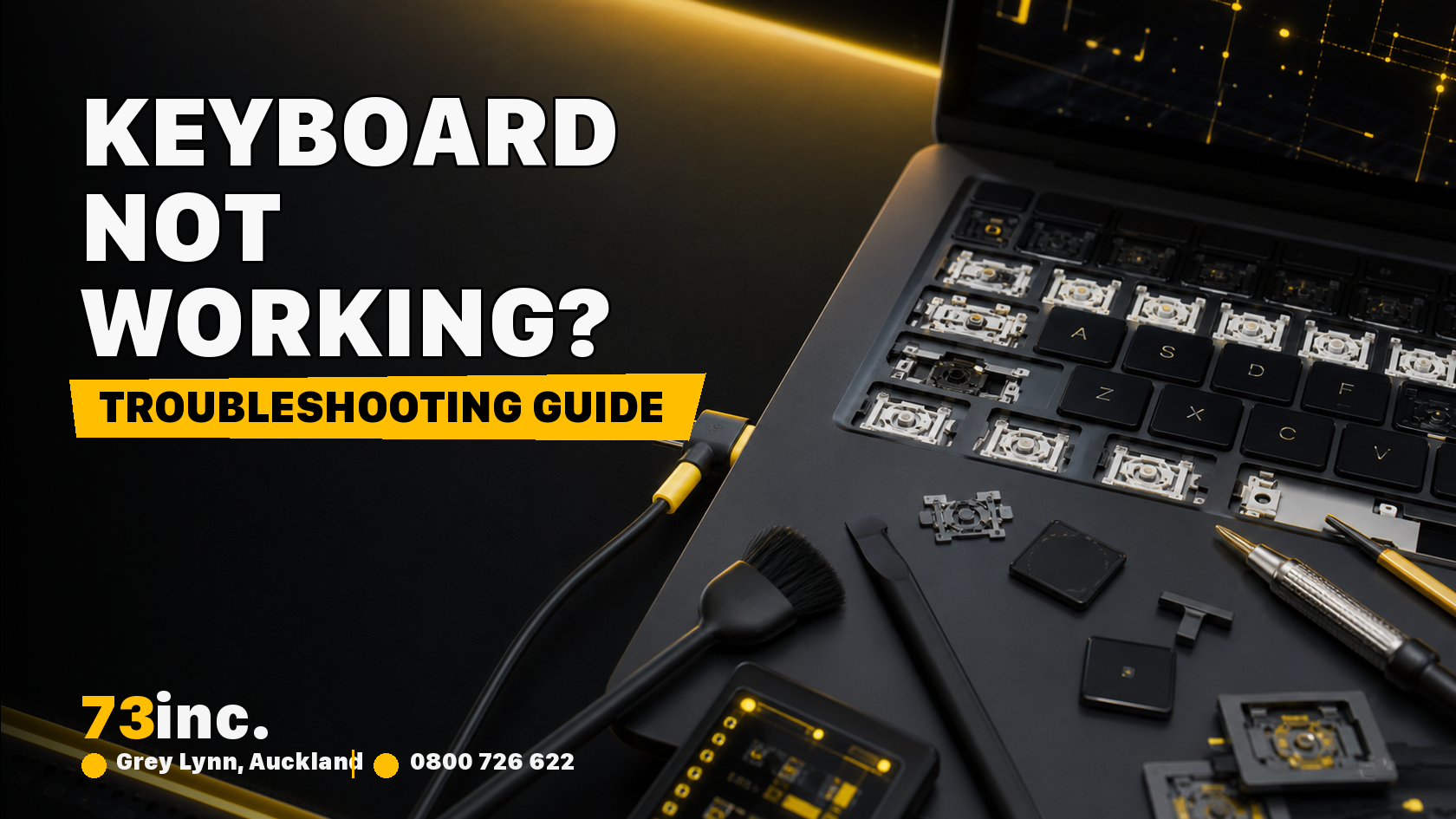
MacBook Keyboard Not Working? Troubleshooting Guide in 2026

73inc blog image for MacBook Keyboard Not Working? Troubleshooting Guide in 2026

A non-functional MacBook keyboard is one of the worst situations, especially when you depend on it for work or studies. It is well-known that MacBook keyboards have great quality; however, sometimes they tend to experience issues such as non-responsive keys or even sticky buttons. If you’re having a faulty MacBook keyboard, here is a simple troubleshooting guide to figuring out the issue.

Restart Your MacBook

A quick reboot often fixes most minor software problems. You can reboot your MacBook to refresh any short-term bugs that may be causing a problem with your keyboard.

  • Click on the Apple logo in the top left corner.
  • Select “Restart.”
  • When your MacBook has restarted, test the keyboard again.

Sometimes, this simple step is all it takes to fix Mac keyboard problems.

Check for Software Updates

Old software may cause failure of the keyboard. At times, Apple releases an update that fixes bugs with regards to the use of the keyboard. Check this way:

  • Select “System Preferences” under the Apple menu.
  • Click on “Software Update.”
  • If there is an update, install and restart your MacBook.

Your MacBook should be updated; this will solve minor problems with your keyboard.

Clean the Keyboard

If your MacBook keyboard doesn’t work or certain keys are sticking, then perhaps dust is the problem. In most cases, dust will have been loosened by cleaning, thus acting as a barrier to you pressing the keys.

  • Power down your MacBook.
  • Angle your MacBook and shoot compressed air under keys.
  • Be sure to be cautious about pressing your keys.

Do not spray liquids directly on the keyboard, as spills can make it worse. Compressed air will usually be enough to clean out dust and small debris from your Mac keyboard.

Remove External Devices

Connected external devices can sometimes cause conflicts with your MacBook keyboard. Disconnect any external keyboards, mouse, or USB drives and see if that fixes it.

  • Disconnect all peripherals.
  • Turn on your MacBook.
  • Try your keyboard to see if it is working.

If your keyboard is working, one of the devices you disconnect was probably the cause of the problem.

Reset the SMC (System Management Controller)

The SMC controls many hardware functions on your MacBook, including the keyboard. Resetting the SMC can often resolve hardware-related issues.

To reset the SMC:

  • Shut down your MacBook.
  • Hit the left part of your keyboard with Shift, Control, and Option keys concurrently with the Power button
  • Hold these keys for 10 seconds.
  • Release them, then turn on your MacBook.

Update Keyboard Settings

Your keyboard settings might be causing certain keys to behave unexpectedly. Checking these settings can sometimes help resolve unresponsive keys.

  • Select “System Preferences.”
  • Click on “Keyboard.”
  • Click on the “Keyboard” tab.
  • Modify the settings of “Key Repeat” and “Delay Until Repeat.”

If these settings were either too low or too high, you can alter them to repair mac keyboard unresponsiveness.

Test the Keyboard in Safe Mode

You can also try booting in Safe Mode to see if the problem is caused by a specific app or process. Safe Mode disables nonessential apps, so you can try your keyboard without distraction.

  • Reboot your MacBook.
  • Hold down the Shift key as it boots up.
  • Check your keyboard once it’s booted into Safe Mode.

If it works in Safe Mode, the problem might be caused by a third-party app.

Look for Liquid Damage

If you’ve had a MacBook keyboard liquid spill, then the problem is more severe. Water will short circuit the electronics and that can damage your keyboard.

  • Check for wetness or stickiness on your keys.
  • If you suspect that you have a MacBook keyboard liquid spill, unplug your MacBook.
  • Put it aside and let it dry (usually on its side).

If the keyboard is still not working after drying, then consider MacBook keyboard replacement.

Reset NVRAM or PRAM

The NVRAM or PRAM stores some settings on your MacBook, and resetting them can sometimes resolve keyboard issues.

  • Turn off MacBook
  • Press Option + Command + P + R.
  • Turn it on holding these keys for about 20 seconds then release them.

This may sometimes solve the problem in case the problem is due to the MacBook keyboard not working because of NVRAM or PRAM settings.

Consider a MacBook Keyboard Replacement

If none of the above steps work, it might be time to think about a MacBook keyboard replacement. Persistent issues, particularly after MacBook keyboard liquid spills or hardware damage, may require professional help.

Look for a reputable service provider who specialises in MacBook repairs. They can assess whether you need a keyboard replacement or other repairs.

Why Choose 73inc?

When you experience issues with your MacBook keyboard, these troubleshooting steps can help you get it working again. From simple restarts to advanced resets, there’s a range of methods you can try before considering repairs. However, if you’ve tried all of these steps and the keyboard still isn’t working, it might be time to consult a professional.

For reliable MacBook repairs, including MacBook keyboard replacement services, reach out to 73inc. With skilled technicians and expertise in Apple products, they can provide the support you need to get your MacBook back into top shape. 

Get A Free Quote.

A diagnostic fee will apply in situations where we deem it necessary to conduct thorough testing to identify the source of issues.

Recent Post

Flexible ways to pay

Repair today. Pay the way that works for you.

Choose secure card payment, PayPal, or split eligible purchases with Afterpay.

VISAmastercardAMERICAN
EXPRESS
PayPalafterpay↗

Payment method availability, Afterpay eligibility and provider terms apply.

Trusted by Auckland customers

What our Google customers say

4.9★★★★★Google rating

Verified customer reviews imported directly from the 73inc Google Business Profile.

Posted on Google Google
Mikey Lougheed profile picture
Mikey Lougheed
Google star 1Google star 2Google star 3Google star 4Google star 5Trustindex verifies that the original source of the review is Google.
I walked into 73inc 9 years ago and I have never left. From cell phones that the kids have broken to computers that have stopped working on me. Enzo and his crew have never let me down. My computer died 3 months ago. Enzo stayed open till 8;30pm just for me. I was in trouble, I left that night with a working computer ready for the next day. That is the customer service that keeps me going back that just doesn't exist in any where else.
Posted on Google Google
Ross Alaine Ortile profile picture
Ross Alaine Ortile
Google star 1Google star 2Google star 3Google star 4Google star 5Trustindex verifies that the original source of the review is Google.
I highly recommend Enzo! He provided fast, friendly, and amazing service. My laptop had a battery issue, and he fixed it quickly. So far, my laptop has been working perfectly, and the new battery is working great as well. He was very helpful and made the whole process easy and hassle-free. I’m very happy with the service and would definitely recommend him to anyone who needs laptop repairs. Thank you so much, Enzo! 😊
Posted on Google Google
B C profile picture
B C
Google star 1Google star 2Google star 3Google star 4Google star 5Trustindex verifies that the original source of the review is Google.
Great Service, my iphone stopped working and 73inc had it fixed within the day. The owner is super nice, he could have tried to up-sell but I felt he gave me honest advice with the least $ to spend. Highly recommend!
Posted on Google Google
Elizabeth Brookbanks profile picture
Elizabeth Brookbanks
Google star 1Google star 2Google star 3Google star 4Google star 5Trustindex verifies that the original source of the review is Google.
73Inc is the only place to go for all computer / electronic requirements. The knowledge of staff and level of customer care is absolutely exemplary. I’m not fluent with technology and these guys assist me with patience and integrity. I know I am always getting the best product and solution for my requirements. I cannot rate 73Inc highly enough. Enzo is an absolute super star. We are so grateful to have found them and will continue to recommend their services to everyone looking for THE BEST level of customer care, value and product knowledge. Thank you 73Inc. Sincerely!
Posted on Google Google
Lola Robinson profile picture
Lola Robinson
Google star 1Google star 2Google star 3Google star 4Google star 5Trustindex verifies that the original source of the review is Google.
Such an easy and efficient service, helpful education and I think reasonable prices!
Posted on Google Google
Fred Mahadaya profile picture
Fred Mahadaya
Google star 1Google star 2Google star 3Google star 4Google star 5Trustindex verifies that the original source of the review is Google.
⭐⭐⭐⭐⭐ I just had my daughter’s MacBook screen repaired here and I’m really impressed with the service. The repair was done much faster than I expected, and I’m very happy with the result. A special thanks to Enzo, who was very friendly, helpful, and professional throughout the whole process. He explained everything clearly and made the experience easy and stress-free. Fast, reliable, and professional service. I’m very satisfied and would definitely recommend 73inc to anyone looking for a MacBook or Apple device repair in Auckland. Thank you, Enzo and the team!
Posted on Google Google
Martin Buis profile picture
Martin Buis
Google star 1Google star 2Google star 3Google star 4Google star 5Trustindex verifies that the original source of the review is Google.
Good service, and able to support older Macs. They were prompt and provided excellent updates
Posted on Google Google
Will Luxton profile picture
Will Luxton
Google star 1Google star 2Google star 3Google star 4Google star 5Trustindex verifies that the original source of the review is Google.
It was a fantastic experience dealing with 73 inc. They responded immediately to my inquiry, and provided all the information I needed for my MacBook Air repair. I dropped it off late in the afternoon and it was ready first thing the next day. They were very proactive in keeping me up-to-date with the repair status, and provided an amazing service. Will happily use them again!