

Fix Today, Pay Tomorrow
afterpay logo

iPhone Camera Not Working? 10 Quick Black Screen Fixes 2026

The iPhone is recognized for its high quality camera and user experience. But what if you open the Camera App, only to be presented with a black screen? If you have been looking for answers to the question of “iPhone Camera Not Working?”, you are not alone. There are many users that experience these problems caused by software glitches, overheating or hardware failures.
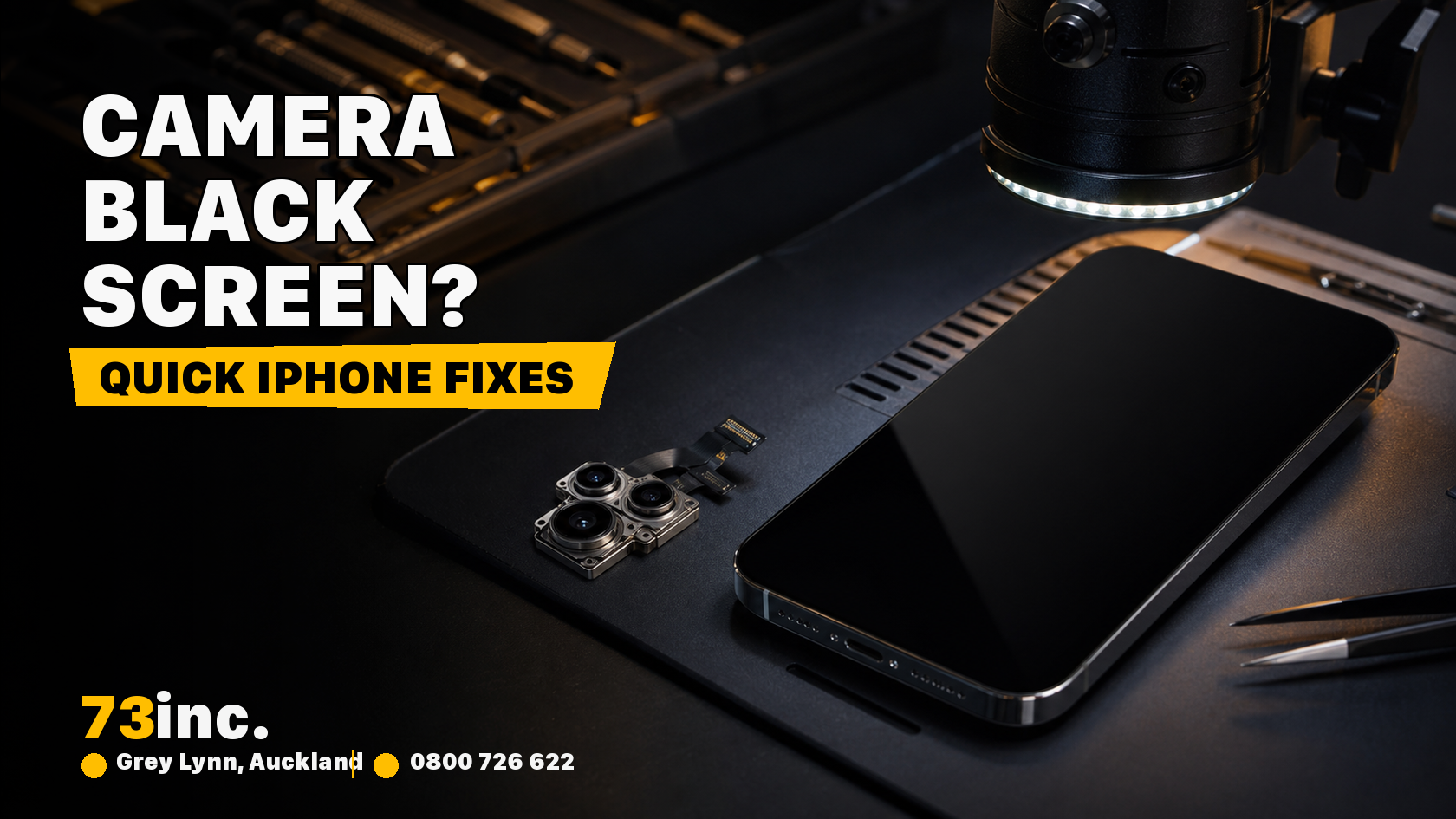
73inc blog image for iPhone Camera Not Working? 10 Quick Black Screen Fixes 2026

At 73inc- Auckland’s trusted Apple repair experts, we have had an overwhelming amount of foot traffic with users reporting this issue. Fortunately, this is something that can often be done yourself in a few simple steps before heading to a certified service technician. 

Why Does the iPhone Camera Stop Working?

It’s helpful to know some of the reasons before getting to the fixes. Reasons your iPhone camera might be broken are:

  • Software Issues / Glitches in iOS
  • Overheating problems
  • Stuck or frozen Camera application
  • Damage to the hardware caused by drops or water exposure
  • Outdated apps or iOS 

10 Quick Fixes for iPhone Camera Black Screen

  1. Restart the Camera App: Sometimes the Camera app will refuse to load. Swipe up from the bottom of your screen (or double-tap the Home button on older models), close the app, and then wait a moment before reopening it.
  2. Toggle Between the Front and Rear Cameras: If your iPhone is showing a black screen, try switching from the rear camera to the front (or vice versa). This process can reset the app and get everything up and running again.
  3. Restart Your iPhone: Sometimes a quick restart can fix temporary glitches. Hold the Power button (and Volume button on newer iPhones), slide to power off, and then turn it back on. 
  4. Allow Your iPhone to Cool Down: Overheating may lead to app problems (Camera, included). If your device is hot to the touch, turn it off and allow it to cool off before trying again.
  5. Update to the Latest iOS: With outdated iOS versions, you may run into compatibility problems. Go to Settings > General > Software Update to download the latest iOS version.
  6. Disable VoiceOver: The VoiceOver accessibility setting may be causing the Camera app to not work. Go to Settings > Accessibility > VoiceOver . Disable VoiceOver.
  7. Clean the Camera Lens: It may seem obvious, but dust, fingerprints, or smudges may be making your camera seem non-toperational. Use a microfiber cloth to wipe your lens nicely to capture perfect pictures. 
  8. Rest All Settings: You can reset all of your settings if the iPhone camera still shows a black screen. This will not delete your data but it will restore all of the settings to default.
  9. Reset Your iPhone: If all else fails you can perform a factory reset. Just make sure to backup your data first! Go to Settings>General>Transfer or Reset iPhone, and Erase All Content and Settings.
  10. Get Professional Repair at 73inc: If none of these fixes help, the problem might be with the hardware. Issues like drops, water damage, or a faulty camera module usually need professional repair.

At 73inc in Auckland, our Apple-trained technicians can check and repair iPhone cameras right down to the chip level, often saving devices that would otherwise seem beyond repair.

DIY Fixes vs Professional Repair

Here’s a quick look at when you can try solutions at home and when it’s better to get expert help:

Fix TypeWhen to Try at HomeWhen to Seek 73inc Help
Restart App / iPhoneIf camera is freezing or laggingNot required
Update iOS / Settings ResetIf problem started after update or bugIf issue persists after updates/resets
Clean LensIf images are blurry or darkIf lens is cracked or physically damaged
Factory ResetIf nothing else works and issue is likely software-relatedIf factory reset doesn’t resolve black screen issue
Hardware RepairN/AAfter drop, water damage, or persistent black screen

Preventing Future iPhone Camera Problems

If you want to prevent an “iPhone Camera Not Working?” issue, here are some proactive measures:

  • Regularly update your iOS
  • Don’t let your iPhone overheat
  • Avoid physical damage to your phone by handling it carefully
  • Clean your camera lenses regularly.

Conclusion

Faced with the issue of “iPhone Camera Not Working?” Try out these 10 quick fixes before rushing to replace your phone. Most of the time, it’s pretty simple. But if you find yourself with a damaged device or stubborn black screen problems, 73inc is there to save you.

Being the preferred Apple repair service in Auckland, we specialize in giving life to your iPhone again so you can continue interviewing at every important moment.

Get A Free Quote.

A diagnostic fee will apply in situations where we deem it necessary to conduct thorough testing to identify the source of issues.

Table of Contents

Recent Post

Flexible ways to pay

Repair today. Pay the way that works for you.

Choose secure card payment, PayPal, or split eligible purchases with Afterpay.

VISAmastercardAMERICAN
EXPRESS
PayPalafterpay↗

Payment method availability, Afterpay eligibility and provider terms apply.

Trusted by Auckland customers

What our Google customers say

4.9★★★★★Google rating

Verified customer reviews imported directly from the 73inc Google Business Profile.

Posted on Google Google
Mikey Lougheed profile picture
Mikey Lougheed
Google star 1Google star 2Google star 3Google star 4Google star 5Trustindex verifies that the original source of the review is Google.
I walked into 73inc 9 years ago and I have never left. From cell phones that the kids have broken to computers that have stopped working on me. Enzo and his crew have never let me down. My computer died 3 months ago. Enzo stayed open till 8;30pm just for me. I was in trouble, I left that night with a working computer ready for the next day. That is the customer service that keeps me going back that just doesn't exist in any where else.
Posted on Google Google
Ross Alaine Ortile profile picture
Ross Alaine Ortile
Google star 1Google star 2Google star 3Google star 4Google star 5Trustindex verifies that the original source of the review is Google.
I highly recommend Enzo! He provided fast, friendly, and amazing service. My laptop had a battery issue, and he fixed it quickly. So far, my laptop has been working perfectly, and the new battery is working great as well. He was very helpful and made the whole process easy and hassle-free. I’m very happy with the service and would definitely recommend him to anyone who needs laptop repairs. Thank you so much, Enzo! 😊
Posted on Google Google
B C profile picture
B C
Google star 1Google star 2Google star 3Google star 4Google star 5Trustindex verifies that the original source of the review is Google.
Great Service, my iphone stopped working and 73inc had it fixed within the day. The owner is super nice, he could have tried to up-sell but I felt he gave me honest advice with the least $ to spend. Highly recommend!
Posted on Google Google
Elizabeth Brookbanks profile picture
Elizabeth Brookbanks
Google star 1Google star 2Google star 3Google star 4Google star 5Trustindex verifies that the original source of the review is Google.
73Inc is the only place to go for all computer / electronic requirements. The knowledge of staff and level of customer care is absolutely exemplary. I’m not fluent with technology and these guys assist me with patience and integrity. I know I am always getting the best product and solution for my requirements. I cannot rate 73Inc highly enough. Enzo is an absolute super star. We are so grateful to have found them and will continue to recommend their services to everyone looking for THE BEST level of customer care, value and product knowledge. Thank you 73Inc. Sincerely!
Posted on Google Google
Lola Robinson profile picture
Lola Robinson
Google star 1Google star 2Google star 3Google star 4Google star 5Trustindex verifies that the original source of the review is Google.
Such an easy and efficient service, helpful education and I think reasonable prices!
Posted on Google Google
Fred Mahadaya profile picture
Fred Mahadaya
Google star 1Google star 2Google star 3Google star 4Google star 5Trustindex verifies that the original source of the review is Google.
⭐⭐⭐⭐⭐ I just had my daughter’s MacBook screen repaired here and I’m really impressed with the service. The repair was done much faster than I expected, and I’m very happy with the result. A special thanks to Enzo, who was very friendly, helpful, and professional throughout the whole process. He explained everything clearly and made the experience easy and stress-free. Fast, reliable, and professional service. I’m very satisfied and would definitely recommend 73inc to anyone looking for a MacBook or Apple device repair in Auckland. Thank you, Enzo and the team!
Posted on Google Google
Martin Buis profile picture
Martin Buis
Google star 1Google star 2Google star 3Google star 4Google star 5Trustindex verifies that the original source of the review is Google.
Good service, and able to support older Macs. They were prompt and provided excellent updates
Posted on Google Google
Will Luxton profile picture
Will Luxton
Google star 1Google star 2Google star 3Google star 4Google star 5Trustindex verifies that the original source of the review is Google.
It was a fantastic experience dealing with 73 inc. They responded immediately to my inquiry, and provided all the information I needed for my MacBook Air repair. I dropped it off late in the afternoon and it was ready first thing the next day. They were very proactive in keeping me up-to-date with the repair status, and provided an amazing service. Will happily use them again!