



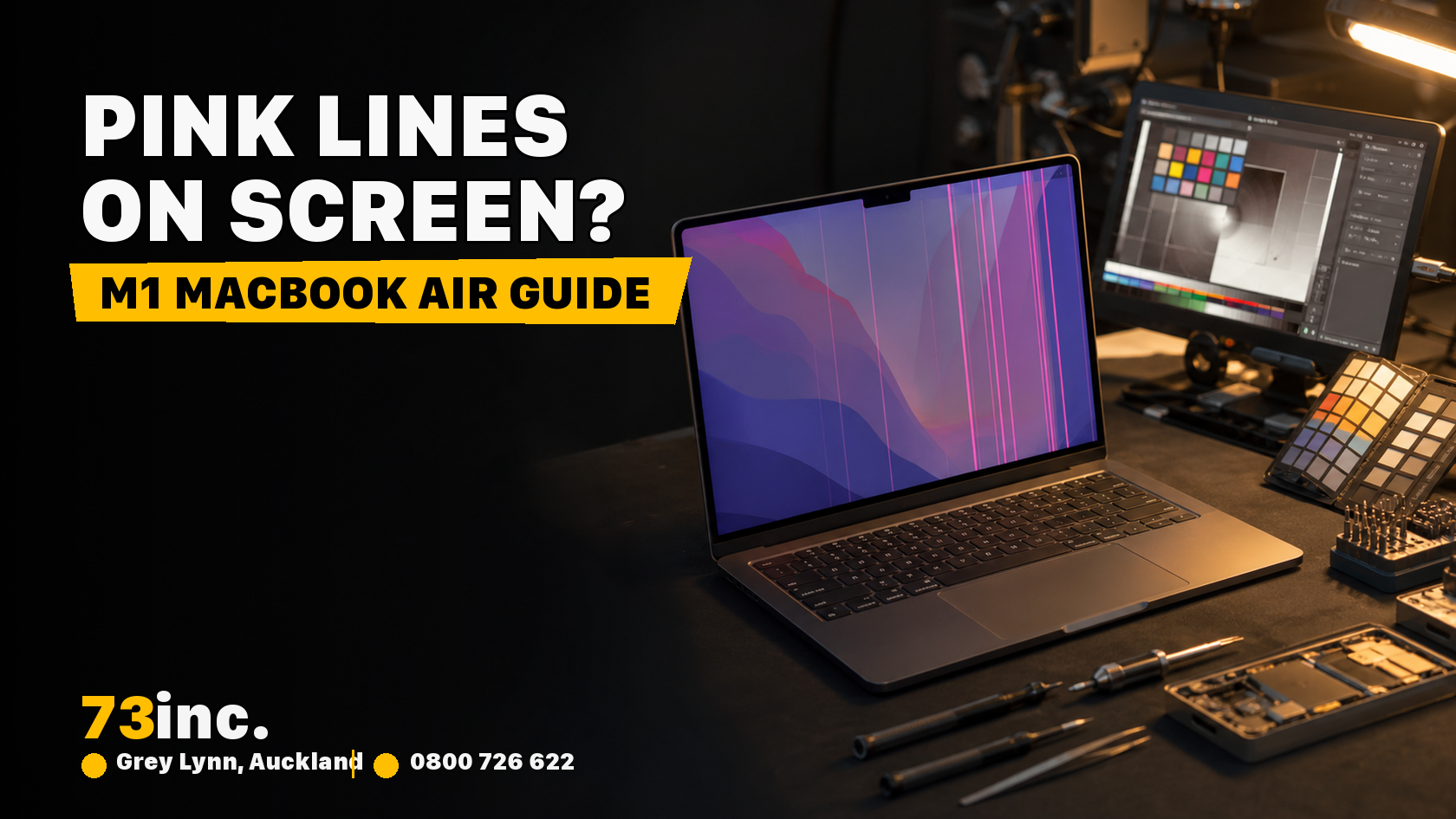
The M1 MacBook Air, launched in late 2020, transformed Apple’s laptop lineup with its speed, efficiency, and silent operation. However, there is no gadget that is resistant to hardware glitches. The appearance of thick lines of pink or purple color running vertically on the screen has rattled users lately, and that is one of the problems. They may appear following a drop, during bootup, or spontaneously without any particular cause. Whichever that may be, these lines are difficult to overlook, and that means that it is time to do something.
And you may be asking yourself whether you can fix it yourself, or if it will require the services of professionals in Mac repairs. This guide will give you through to have a clue as to what is happening, what you can do in your own little way, and when to get professional help.
What Do the Thick Pink Lines Mean?
Thick pink or magenta lines across the screen usually point to a hardware issue. They might suggest:
- A damaged display cable
- A failing display panel (LCD/LED)
- GPU-related rendering problems
- Logic board or connector issues
While the software could theoretically cause visual artifacts, these pink lines are usually physical in nature, especially if they persist across reboots and safe mode.
Quick Checks Before Seeking Mac Repairs
Here are a few DIY tests to determine if the problem is fixable at home:
1. Restart Your MacBook Air
A simple restart can flush temporary memory glitches. If the lines vanish after reboot, you might’ve just dodged a bullet.
2. Safe Mode Boot
Start your Mac while holding the Shift key to enter Safe Mode. If the lines go away, the issue could be linked to third-party apps or startup extensions.
3. External Monitor Test
Add a second screen to your MacBook. When the external monitor works fine, yet the lines appear in your Mac display, then it is indeed confirmed that it is not on the GPU; it is the inner display or display cable.
4. Reset SMC and NVRAM
Try resetting the System Management Controller (SMC) and NVRAM. These resets can fix power-related or graphical issues, but again, if it’s a hardware issue, they likely won’t help.
Common Causes of Thick Pink Lines
1. Display Flex Cable Damage
The logic board attaches to your M1 MacBook Air display through a thin and flexible cable. The cable may loosen with time, or under pressure and frequent movements of the lid which may pinch the cable resulting in glitches in the screen.
2. Liquid Exposure or Moisture
Spilled drinks, steam from a shower, or even high humidity can corrode connectors inside your MacBook. If the lines started appearing after a liquid incident, corrosion might be the culprit.
3. LCD Panel Damage
Sometimes, the screen itself is damaged, especially after a fall or even moderate pressure applied to the lid. This can break the pixels or the backlight, leading to pink lines.
4. Logic Board Trouble
Though rare on M1 models, damage to the logic board or GPU may also create these display artifacts. That’s a more complex fix and may involve microsoldering or part replacements.
When to Call the Mac Repair Specialists
If you’ve gone through all the troubleshooting steps and those pink lines won’t budge, it’s time to visit Mac Screen repair specialists. Especially if you’re in Auckland, shops like 73inc offer professional diagnostics, honest advice, and fast turnarounds.
What they typically do:
- Open the laptop to inspect internal connectors
- Test different screen modules to isolate the problem
- Use diagnostic tools to assess the GPU or logic board
- Clean or repair corroded parts
Unlike Apple-authorized centers, 73inc aims to repair at the component level, which often makes Mac repairs more affordable and efficient.
Can You Fix It Yourself?
Technically, yes, but realistically, it’s risky.
Opening an M1 MacBook Air requires:
- A pentalobe screwdriver
- Anti-static tools
- A heat gun (sometimes)
- Extreme care (the battery is glued in, and the display is delicate)
YouTube might make it look easy, but if you’ve never repaired a laptop before, it’s easy to do more harm than good. One wrong move, and your DIY MacBook repair could cost you even more.
Unless you’re experienced and have the right tools, it’s always safer to get your screen assessed by Mac repair specialists.
Why Trust a Local Shop Like 73inc?
Apple-authorized service centers will often suggest full part replacements, even for minor issues. That can be expensive and slow (up to 2 weeks).
At 73inc, the approach is different:
- Faster repair times (1–3 days on average)
- Component-level Mac repairs, which are cheaper
- Honest, upfront pricing
- Warranty-backed service
Their team is familiar with working on repairs of already-not-warranted Apple products, and they know how to minimize the costs without compromising the quality.
Pink lines on the screen of your M1 MacBook Air look bothersome, but they do not imply the end of your laptop. By repairing with the right analysis, your screen may be restored to normal mode without replacing the whole device.
Whether it’s a display cable, LCD panel, or something deeper, 73inc’s expert team in Auckland has seen it all and fixed it all.
So if you’re dealing with screen glitches and searching for MacBook repair solutions, get in touch with trusted Mac repair specialists today. Don’t let a few pink lines keep you from using your Mac to the fullest.


