

Fix Today, Pay Tomorrow
afterpay logo

How do you fix a MacBook that does not charge when plugged in? (2026 Updated)

The MacBook not charging issue can make you frantic because your Mac will shut down once the battery is dead, and your productivity will be hindered. So don’t let a “Mac not charging” issue stop you from finishing your tasks.
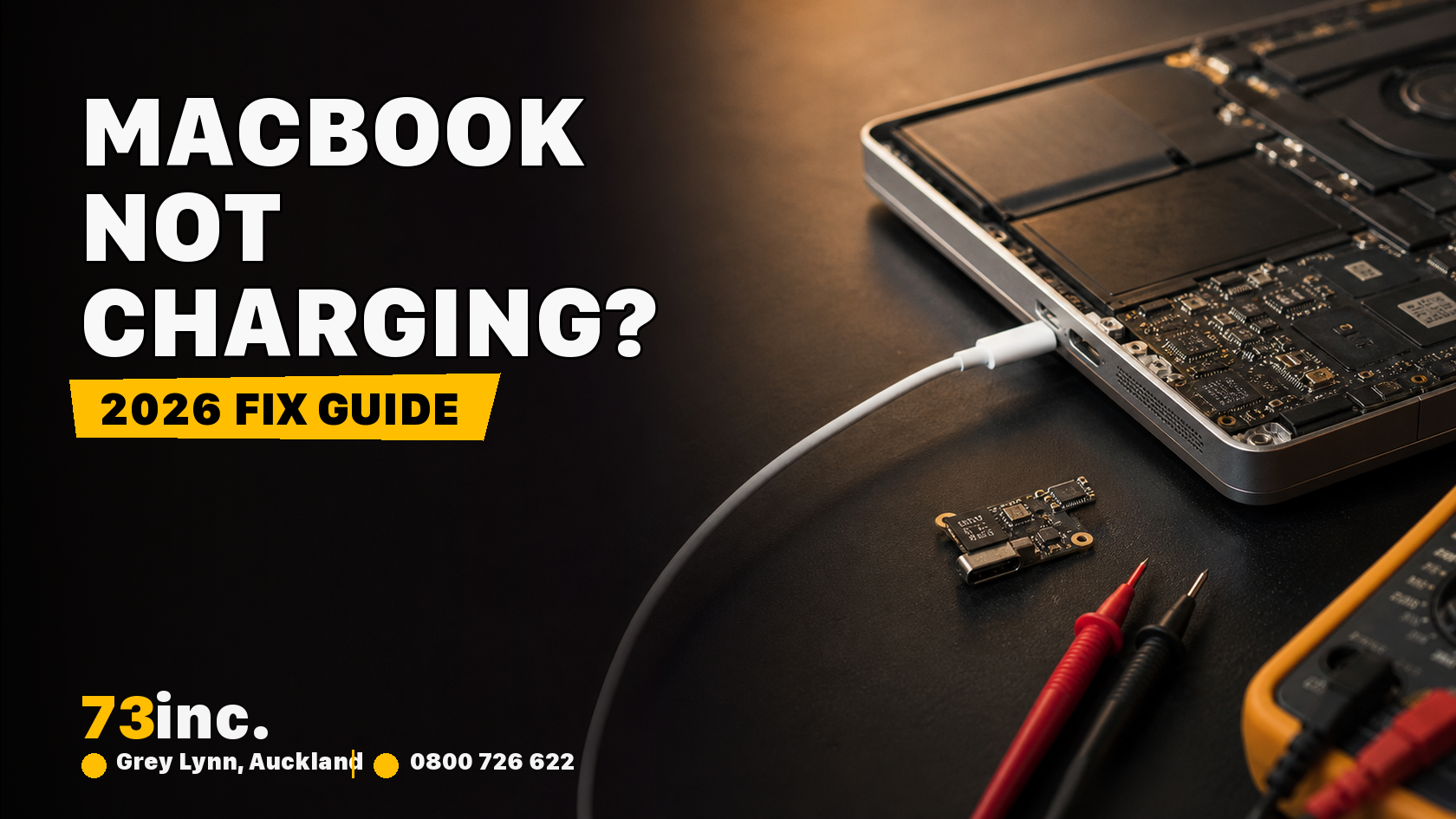
73inc blog image for How do you fix a MacBook that does not charge when plugged in? (2026 Updated)

Before you invest in a new Mac power adapter or take your device to a Mac repair technician, check out the following fixes:

Restart your Mac

A simple restart can quickly resolve common issues, such as a Mac not charging. Rebooting fixes system glitches that often cause such issues. Simply click the Apple Menu and click Restart.

Physically inspect hardware

Do you know dust and foreign objects on charging ports may also keep it from charging? Dust often accumulates in the charging ports and blocks the connection. In this case, a wooden object or toothpick can be used to remove dirt and any foreign object blocking the port. 

Check whether you’re plugging into the wall socket and it’s turned on. You can also try a different socket. These basic fixes are always good to double-check.

Check the battery of your Mac

Check your Mac’s battery to see whether it needs a replacement. Here is how to do this:

  • Go to System Settings > Battery.
  • Check any advice under “Battery Health”.

You often see advice on battery health for older Macs. If the battery is normal, you don’t need to worry about the battery’s health. If it suggests “replace soon”, “service battery”, or “replace now”, it is time to take your Mac to a professional Mac repair technician. You can also use reliable apps to check your Mac’s battery health.

Check for faulty adapters and charging cables

A faulty adapter and broken charging cable could be the culprit. So, check them first. Ensure that your MacBook is switched on and plugged in. If it isn’t charging, there could be an issue with your adapter or charging cable. 

Reset the battery

The next quick fix is to try resetting your Mac’s battery. The process of resetting the battery depends on the age of your device and whether it uses an Intel chip or an Apple chip. It’s unlikely that your Mac features a removable battery because that was not an option before 2012.  

But if your Mac is old and features a removable battery, then remove the battery, disconnect the device from power, and hold down the power key for 10 seconds. Then, replace the battery and plug the power adapter back in. This process will reset the battery on your Mac. 

For Macs that don’t have a removable battery, you need to reset the SMC (System Management Controller). SMC is a chip on the logic board, and it controls the power. Resetting the SMC can fix power and battery-related problems. But again, the process depends on your Mac’s age.

The steps are as follows on the Intel processor:

  • Shut down your Mac.
  • Plug in the power adapter.
  • Hold down Control + Shift+ Option/Alt along with the Power button for 3-5 seconds.
  • Release all buttons together. 
  • Press the Power button to restart your Mac.

Are you using the Apple M1, M2 or M3 chip? Then, you will not be able to reset the SMC. But this doesn’t mean you’re stuck! Instead, turn off your Mac, wait for 30 seconds, and turn it on again.

Cool your laptop and charger.

An overheating laptop or charging adaptor may also cause the Mac not to charge. So, when you feel that any of these components are excessively heated, then allow them to cool down before using them again.

Get rid of battery-draining apps.

Still no luck? Try something different. The issue of the Mac not charging when plugged in could be due to battery-draining apps. These apps often drain your battery faster than it charges.

Here is how to use your Mac for battery-draining apps:

  • Open Activity Monitor on your Mac.
  • Click Energy.

Now, you will see all apps and programs running, with the most power-consuming apps on the top. Simply close or uninstall unnecessary apps and see if this resolves the issue.

Get the Mac serviced

If none of the above methods work, you should take your device to a Mac repair service provider for servicing.  Ensure that you find a reliable Mac technician who is experienced and reputable to work with Macs of all makes and models.

Hopefully, the above fixes will solve the issue of the Mac not charging and related problems. Otherwise, a Mac technician service should be able to help.

Get A Free Quote.

A diagnostic fee will apply in situations where we deem it necessary to conduct thorough testing to identify the source of issues.

Recent Post

Flexible ways to pay

Repair today. Pay the way that works for you.

Choose secure card payment, PayPal, or split eligible purchases with Afterpay.

VISAmastercardAMERICAN
EXPRESS
PayPalafterpay↗

Payment method availability, Afterpay eligibility and provider terms apply.

Trusted by Auckland customers

What our Google customers say

4.9★★★★★Google rating

Verified customer reviews imported directly from the 73inc Google Business Profile.

Posted on Google Google
Mikey Lougheed profile picture
Mikey Lougheed
Google star 1Google star 2Google star 3Google star 4Google star 5Trustindex verifies that the original source of the review is Google.
I walked into 73inc 9 years ago and I have never left. From cell phones that the kids have broken to computers that have stopped working on me. Enzo and his crew have never let me down. My computer died 3 months ago. Enzo stayed open till 8;30pm just for me. I was in trouble, I left that night with a working computer ready for the next day. That is the customer service that keeps me going back that just doesn't exist in any where else.
Posted on Google Google
Ross Alaine Ortile profile picture
Ross Alaine Ortile
Google star 1Google star 2Google star 3Google star 4Google star 5Trustindex verifies that the original source of the review is Google.
I highly recommend Enzo! He provided fast, friendly, and amazing service. My laptop had a battery issue, and he fixed it quickly. So far, my laptop has been working perfectly, and the new battery is working great as well. He was very helpful and made the whole process easy and hassle-free. I’m very happy with the service and would definitely recommend him to anyone who needs laptop repairs. Thank you so much, Enzo! 😊
Posted on Google Google
B C profile picture
B C
Google star 1Google star 2Google star 3Google star 4Google star 5Trustindex verifies that the original source of the review is Google.
Great Service, my iphone stopped working and 73inc had it fixed within the day. The owner is super nice, he could have tried to up-sell but I felt he gave me honest advice with the least $ to spend. Highly recommend!
Posted on Google Google
Elizabeth Brookbanks profile picture
Elizabeth Brookbanks
Google star 1Google star 2Google star 3Google star 4Google star 5Trustindex verifies that the original source of the review is Google.
73Inc is the only place to go for all computer / electronic requirements. The knowledge of staff and level of customer care is absolutely exemplary. I’m not fluent with technology and these guys assist me with patience and integrity. I know I am always getting the best product and solution for my requirements. I cannot rate 73Inc highly enough. Enzo is an absolute super star. We are so grateful to have found them and will continue to recommend their services to everyone looking for THE BEST level of customer care, value and product knowledge. Thank you 73Inc. Sincerely!
Posted on Google Google
Lola Robinson profile picture
Lola Robinson
Google star 1Google star 2Google star 3Google star 4Google star 5Trustindex verifies that the original source of the review is Google.
Such an easy and efficient service, helpful education and I think reasonable prices!
Posted on Google Google
Fred Mahadaya profile picture
Fred Mahadaya
Google star 1Google star 2Google star 3Google star 4Google star 5Trustindex verifies that the original source of the review is Google.
⭐⭐⭐⭐⭐ I just had my daughter’s MacBook screen repaired here and I’m really impressed with the service. The repair was done much faster than I expected, and I’m very happy with the result. A special thanks to Enzo, who was very friendly, helpful, and professional throughout the whole process. He explained everything clearly and made the experience easy and stress-free. Fast, reliable, and professional service. I’m very satisfied and would definitely recommend 73inc to anyone looking for a MacBook or Apple device repair in Auckland. Thank you, Enzo and the team!
Posted on Google Google
Martin Buis profile picture
Martin Buis
Google star 1Google star 2Google star 3Google star 4Google star 5Trustindex verifies that the original source of the review is Google.
Good service, and able to support older Macs. They were prompt and provided excellent updates
Posted on Google Google
Will Luxton profile picture
Will Luxton
Google star 1Google star 2Google star 3Google star 4Google star 5Trustindex verifies that the original source of the review is Google.
It was a fantastic experience dealing with 73 inc. They responded immediately to my inquiry, and provided all the information I needed for my MacBook Air repair. I dropped it off late in the afternoon and it was ready first thing the next day. They were very proactive in keeping me up-to-date with the repair status, and provided an amazing service. Will happily use them again!