

Fix Today, Pay Tomorrow
afterpay logo

MacBook Not Charging After Water Damage: What You Should Know in 2026

While you’re deep in an urgent project with coffee nearby, it suddenly spills all over your MacBook. You watch the liquid seep into every nook and cranny, and when you attempt to connect the charger afterwards, the MacBook does not charge! The scenario above is among the most stressful for MacBook owners. 
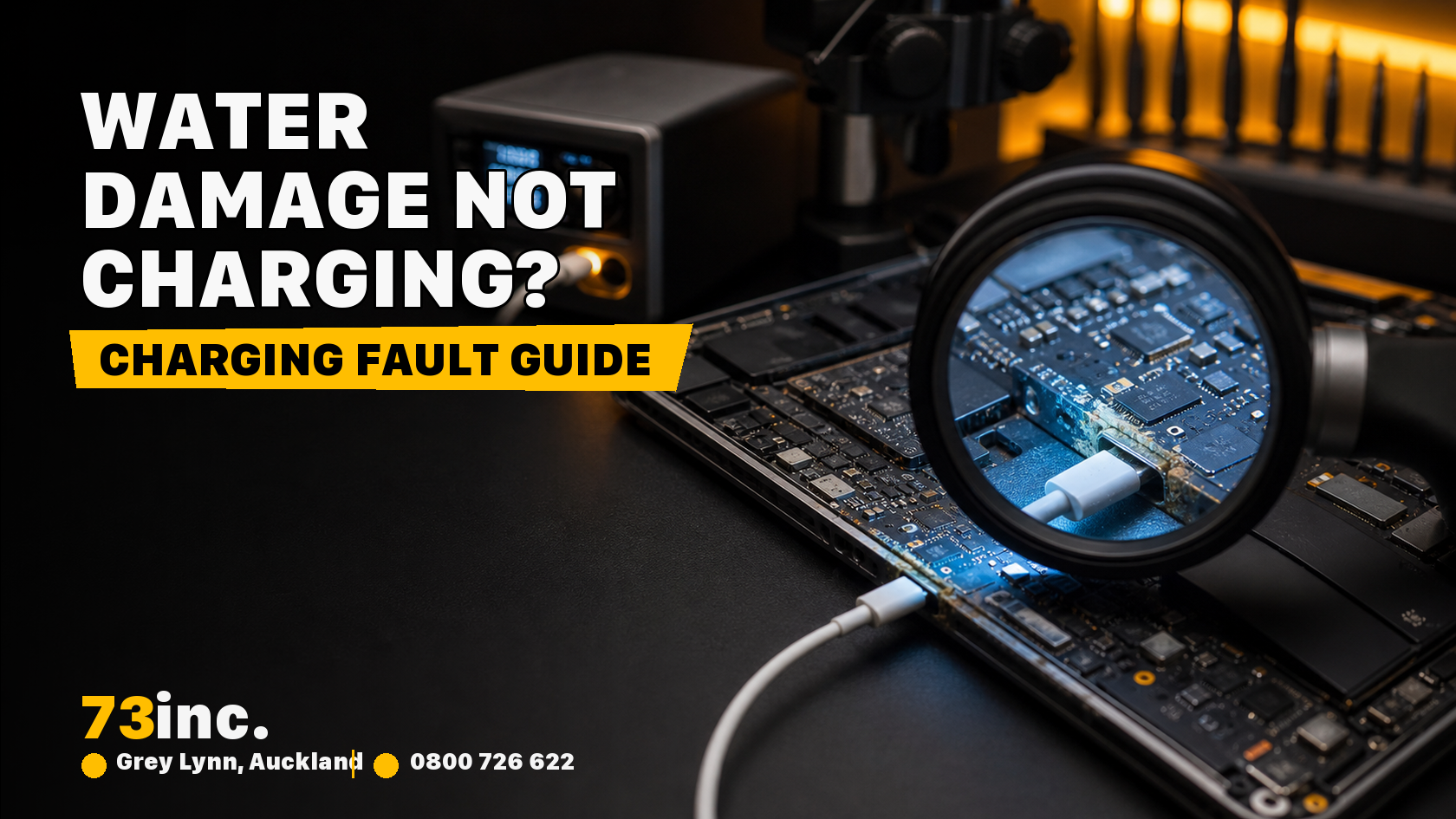
73inc blog image for MacBook Not Charging After Water Damage: What You Should Know in 2026

Water damage can go unnoticed and damage your device, affecting the battery, ports, or internal circuits. Ignoring minor spills could lead to costly repairs in the future. In this post, we will explain why your MacBook may not charge after being water-damaged and outline steps to resolve the issue.

Understanding the Problem

When water gets into your MacBook, it can cause damage to the delicate internal parts, like the battery or charging port, or even the logic board. This can result in MacBook charging issues that are not always obvious.

You might see signs like it charging incorrectly, taking forever, or not responding when you plug it in. Even if it powers on, hidden corrosion may be worsening and could lead to a total meltdown later. 

Apple suggests that if you see a “Liquid Contact” alert, it’s a red flag; you need to act fast to avoid more damage. If you ignore those alerts, you’ll only end up spending more in the long run. 

Immediate Steps to Take

As soon as your device gets wet, here are a few things you can try immediately before taking it in for Mac water damage repair in Auckland

  • First, power down immediately. Turn off the MacBook as soon as water comes into contact with it. Continuing to operate the device may cause a short circuit in its components, leading to further damage.
  • Next, unplug all accessories. Remove items such as chargers or USB devices to prevent additional electrical issues.
  • Next, try to dry it off on the outside. Use a lint-free cloth to wipe away any visible water from the keyboard, ports, and screen. Don’t use a hairdryer or heat gun; excessive heat can damage internal components.
  • Find a dry spot for it. Ideally, leave your MacBook in a room with a comfortable temperature and good airflow. Many use silica gel packets to absorb moisture more effectively.
  • Last but not least, leave DIY repairs alone! If you try to open the MacBook without the right tools and know-how, you might void your warranty and make things worse.

Diagnosing Charging Problems

After the initial drying, check whether the MacBook powers on when connected to the charger. If your battery does not charge, you might notice one of these issues:

  • No charging indicator when plugged in
  • The device charges intermittently or slowly
  • “Battery Not Charging” messages appear

At this stage, the problem could be the charger, battery, or internal water damage. Using a different Apple-certified charger can help determine whether the issue is with the accessory or the device. However, persistent charging problems after water exposure often indicate internal component damage that requires professional attention.

When Should You Take Your MacBook to a Professional?

If DIY tricks just aren’t cutting it, you have to get expert help. If you’re in Auckland, there are experts who offer repair services for water-damaged MacBooks, and they know how to clean up corrosion, replace faulty batteries, and get your MacBook charging back on track. They use techniques such as ultrasonic cleaning to remove moisture and corrosion from the logic board.

Honestly, if your MacBook isn’t charging even after it’s dried out, or if you see warning alerts showing up, or if it feels far too hot while plugged in, you should seek professional help. These signs often point to issues inside that you can’t fix yourself. 

If you are delaying repairs for too long, it’s not a good idea. It allows corrosion to spread and increases the risk of your device failing permanently. Go with certified service providers; ignoring repairs will only lead to higher costs in the future. Apple-authorised locations are usually the safest bet for getting your device back to its original condition.

Final Words 

Water damage can be a significant issue for your MacBook, especially if you encounter charging issues. Acting quickly, ensuring it dries properly, and having an expert check it are critical to getting everything back in action. Being aware of the early signs, following smart drying methods, and trusting certified repair services can save you from losing both your Mac and your hard-earned cash. 

At 73inc, the focus is on practical solutions that help extend the life of your Apple devices rather than rushing replacements. With experienced technicians, flexible options such as Fix Today, Pay Tomorrow, and a reputation for consistent 5-star service, 73inc has become a trusted choice for Apple liquid-damage repair services in Auckland.

Get A Free Quote.

A diagnostic fee will apply in situations where we deem it necessary to conduct thorough testing to identify the source of issues.

Recent Post

Flexible ways to pay

Repair today. Pay the way that works for you.

Choose secure card payment, PayPal, or split eligible purchases with Afterpay.

VISAmastercardAMERICAN
EXPRESS
PayPalafterpay↗

Payment method availability, Afterpay eligibility and provider terms apply.

Trusted by Auckland customers

What our Google customers say

4.9★★★★★Google rating

Verified customer reviews imported directly from the 73inc Google Business Profile.

Posted on Google Google
Mikey Lougheed profile picture
Mikey Lougheed
Google star 1Google star 2Google star 3Google star 4Google star 5Trustindex verifies that the original source of the review is Google.
I walked into 73inc 9 years ago and I have never left. From cell phones that the kids have broken to computers that have stopped working on me. Enzo and his crew have never let me down. My computer died 3 months ago. Enzo stayed open till 8;30pm just for me. I was in trouble, I left that night with a working computer ready for the next day. That is the customer service that keeps me going back that just doesn't exist in any where else.
Posted on Google Google
Ross Alaine Ortile profile picture
Ross Alaine Ortile
Google star 1Google star 2Google star 3Google star 4Google star 5Trustindex verifies that the original source of the review is Google.
I highly recommend Enzo! He provided fast, friendly, and amazing service. My laptop had a battery issue, and he fixed it quickly. So far, my laptop has been working perfectly, and the new battery is working great as well. He was very helpful and made the whole process easy and hassle-free. I’m very happy with the service and would definitely recommend him to anyone who needs laptop repairs. Thank you so much, Enzo! 😊
Posted on Google Google
B C profile picture
B C
Google star 1Google star 2Google star 3Google star 4Google star 5Trustindex verifies that the original source of the review is Google.
Great Service, my iphone stopped working and 73inc had it fixed within the day. The owner is super nice, he could have tried to up-sell but I felt he gave me honest advice with the least $ to spend. Highly recommend!
Posted on Google Google
Elizabeth Brookbanks profile picture
Elizabeth Brookbanks
Google star 1Google star 2Google star 3Google star 4Google star 5Trustindex verifies that the original source of the review is Google.
73Inc is the only place to go for all computer / electronic requirements. The knowledge of staff and level of customer care is absolutely exemplary. I’m not fluent with technology and these guys assist me with patience and integrity. I know I am always getting the best product and solution for my requirements. I cannot rate 73Inc highly enough. Enzo is an absolute super star. We are so grateful to have found them and will continue to recommend their services to everyone looking for THE BEST level of customer care, value and product knowledge. Thank you 73Inc. Sincerely!
Posted on Google Google
Lola Robinson profile picture
Lola Robinson
Google star 1Google star 2Google star 3Google star 4Google star 5Trustindex verifies that the original source of the review is Google.
Such an easy and efficient service, helpful education and I think reasonable prices!
Posted on Google Google
Fred Mahadaya profile picture
Fred Mahadaya
Google star 1Google star 2Google star 3Google star 4Google star 5Trustindex verifies that the original source of the review is Google.
⭐⭐⭐⭐⭐ I just had my daughter’s MacBook screen repaired here and I’m really impressed with the service. The repair was done much faster than I expected, and I’m very happy with the result. A special thanks to Enzo, who was very friendly, helpful, and professional throughout the whole process. He explained everything clearly and made the experience easy and stress-free. Fast, reliable, and professional service. I’m very satisfied and would definitely recommend 73inc to anyone looking for a MacBook or Apple device repair in Auckland. Thank you, Enzo and the team!
Posted on Google Google
Martin Buis profile picture
Martin Buis
Google star 1Google star 2Google star 3Google star 4Google star 5Trustindex verifies that the original source of the review is Google.
Good service, and able to support older Macs. They were prompt and provided excellent updates
Posted on Google Google
Will Luxton profile picture
Will Luxton
Google star 1Google star 2Google star 3Google star 4Google star 5Trustindex verifies that the original source of the review is Google.
It was a fantastic experience dealing with 73 inc. They responded immediately to my inquiry, and provided all the information I needed for my MacBook Air repair. I dropped it off late in the afternoon and it was ready first thing the next day. They were very proactive in keeping me up-to-date with the repair status, and provided an amazing service. Will happily use them again!