



While you’re deep in an urgent project with coffee nearby, it suddenly spills all over your MacBook. You watch the liquid seep into every nook and cranny, and when you attempt to connect the charger afterwards, the MacBook does not charge! The scenario above is among the most stressful for MacBook owners.
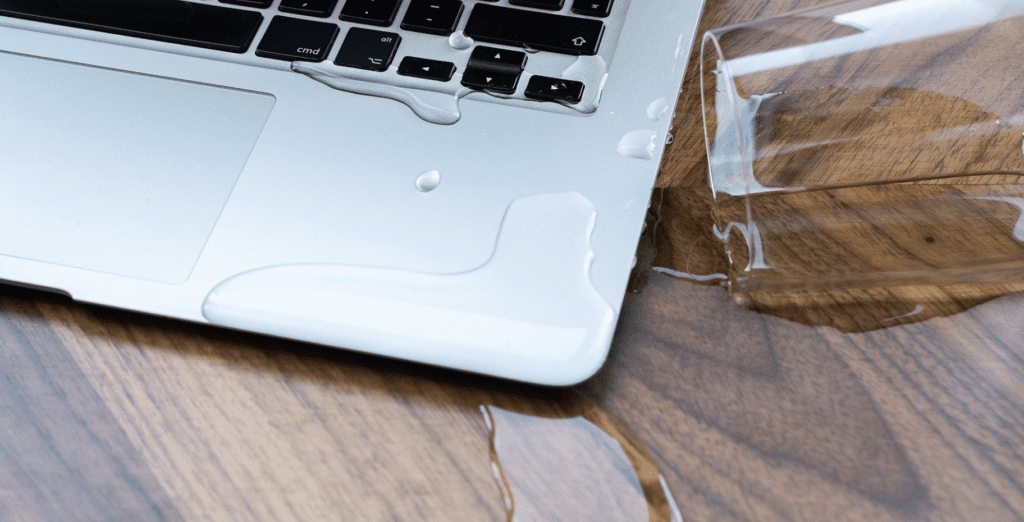
Water damage can go unnoticed and damage your device, affecting the battery, ports, or internal circuits. Ignoring minor spills could lead to costly repairs in the future. In this post, we will explain why your MacBook may not charge after being water-damaged and outline steps to resolve the issue.
Understanding the Problem
When water gets into your MacBook, it can cause damage to the delicate internal parts, like the battery or charging port, or even the logic board. This can result in MacBook charging issues that are not always obvious.
You might see signs like it charging incorrectly, taking forever, or not responding when you plug it in. Even if it powers on, hidden corrosion may be worsening and could lead to a total meltdown later.
Apple suggests that if you see a “Liquid Contact” alert, it’s a red flag; you need to act fast to avoid more damage. If you ignore those alerts, you’ll only end up spending more in the long run.
Immediate Steps to Take
As soon as your device gets wet, here are a few things you can try immediately before taking it in for Mac water damage repair in Auckland:
- First, power down immediately. Turn off the MacBook as soon as water comes into contact with it. Continuing to operate the device may cause a short circuit in its components, leading to further damage.
- Next, unplug all accessories. Remove items such as chargers or USB devices to prevent additional electrical issues.
- Next, try to dry it off on the outside. Use a lint-free cloth to wipe away any visible water from the keyboard, ports, and screen. Don’t use a hairdryer or heat gun; excessive heat can damage internal components.
- Find a dry spot for it. Ideally, leave your MacBook in a room with a comfortable temperature and good airflow. Many use silica gel packets to absorb moisture more effectively.
- Last but not least, leave DIY repairs alone! If you try to open the MacBook without the right tools and know-how, you might void your warranty and make things worse.
Diagnosing Charging Problems
After the initial drying, check whether the MacBook powers on when connected to the charger. If your battery does not charge, you might notice one of these issues:
- No charging indicator when plugged in
- The device charges intermittently or slowly
- “Battery Not Charging” messages appear
At this stage, the problem could be the charger, battery, or internal water damage. Using a different Apple-certified charger can help determine whether the issue is with the accessory or the device. However, persistent charging problems after water exposure often indicate internal component damage that requires professional attention.
When Should You Take Your MacBook to a Professional?
If DIY tricks just aren’t cutting it, you have to get expert help. If you’re in Auckland, there are experts who offer repair services for water-damaged MacBooks, and they know how to clean up corrosion, replace faulty batteries, and get your MacBook charging back on track. They use techniques such as ultrasonic cleaning to remove moisture and corrosion from the logic board.
Honestly, if your MacBook isn’t charging even after it’s dried out, or if you see warning alerts showing up, or if it feels far too hot while plugged in, you should seek professional help. These signs often point to issues inside that you can’t fix yourself.
If you are delaying repairs for too long, it’s not a good idea. It allows corrosion to spread and increases the risk of your device failing permanently. Go with certified service providers; ignoring repairs will only lead to higher costs in the future. Apple-authorised locations are usually the safest bet for getting your device back to its original condition.
Final Words
Water damage can be a significant issue for your MacBook, especially if you encounter charging issues. Acting quickly, ensuring it dries properly, and having an expert check it are critical to getting everything back in action. Being aware of the early signs, following smart drying methods, and trusting certified repair services can save you from losing both your Mac and your hard-earned cash.
At 73inc, the focus is on practical solutions that help extend the life of your Apple devices rather than rushing replacements. With experienced technicians, flexible options such as Fix Today, Pay Tomorrow, and a reputation for consistent 5-star service, 73inc has become a trusted choice for Apple liquid-damage repair services in Auckland.