



So your iPhone speaker works fine when someone rings you, but the moment you try to play music, a YouTube video, or anything through your media apps, there’s nothing. Or almost nothing. It is a frustrating problem, and it catches a lot of people off guard because the phone seems to work perfectly during a call.
The good news is that this is a fairly common issue, and in many cases, you can sort it out yourself without needing a repair. Here is a clear walkthrough of everything to check, starting from the simplest fixes all the way through to when it is time to bring your iPhone in to the team at 73Inc.
Why Does This Happen?
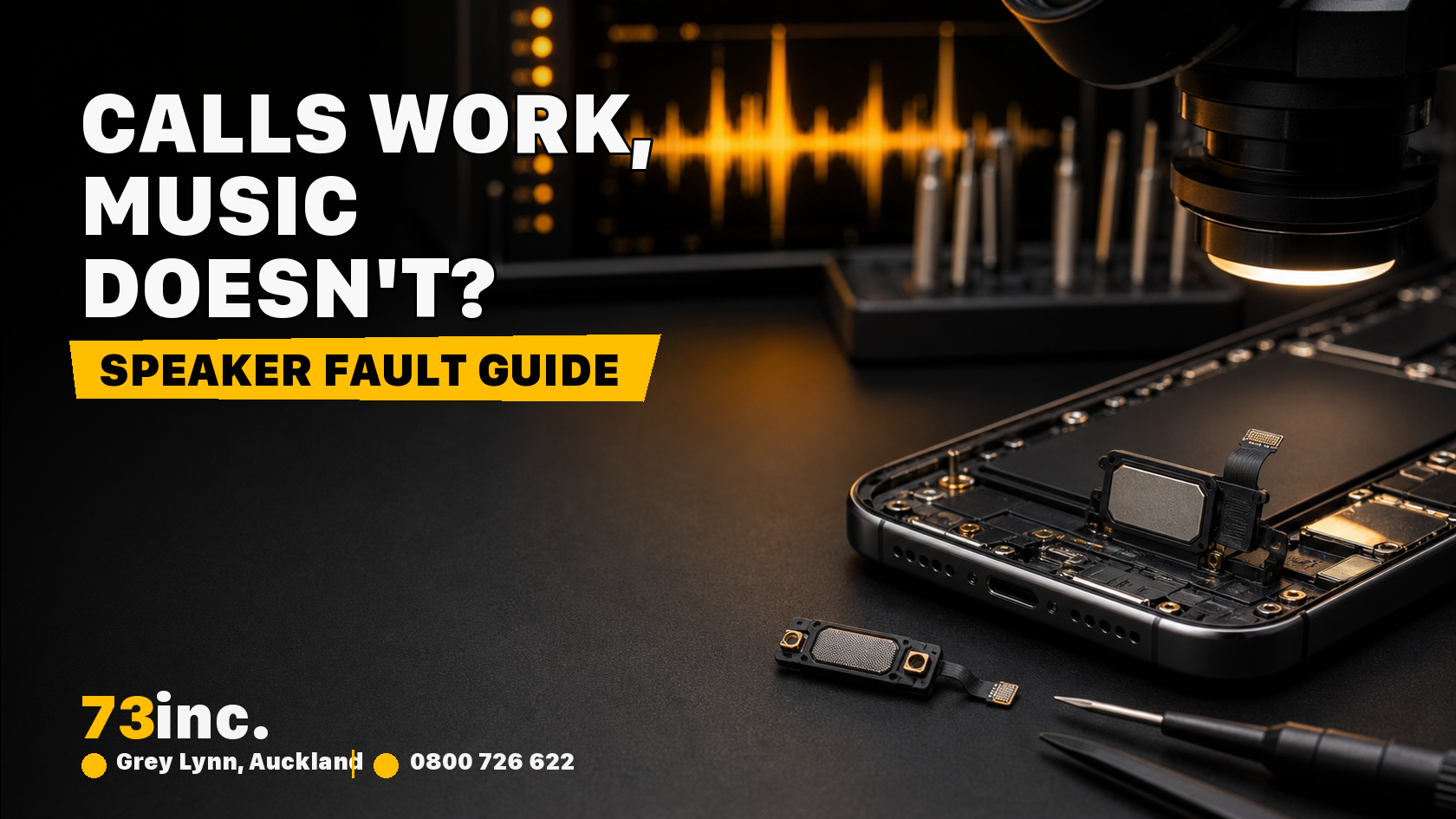
When you are on a phone call, your iPhone uses the earpiece speaker at the top of the device. When you play music or media, it uses the loudspeaker at the bottom. These are two separate speakers, which is exactly why one can stop working while the other still functions normally. If your bottom speaker has failed, or if a software setting is routing audio incorrectly, calls will sound fine but media will not.
Start With These Quick Checks
Check the Volume During Media Playback
This sounds obvious, but the volume buttons on the side of your iPhone control two separate systems. Call volume is adjusted during a call. Media volume is adjusted when you are on the home screen or in an app. Open Music or Spotify and press the volume up button while the track is playing. Make sure it is not turned all the way down or muted.
Check That Silent Mode Is Off
The Ring/Silent switch on the left side of your iPhone silences notifications and ringtones, but it should not silence media. However, if you also have Focus modes or Do Not Disturb set up in a particular way, it can sometimes affect how audio behaves. Flick the switch so that the orange stripe is hidden, and try your media again.
Check Bluetooth
This is the one that catches people out all the time. If your iPhone is connected to a Bluetooth speaker, headphones, or even your car, all audio will be routed there instead of through your phone speaker. Head to Settings, then Bluetooth, and either disconnect from any active devices or toggle Bluetooth off entirely. Try playing your music again once Bluetooth is off.
Check If Headphones Are Still Selected
Sometimes your iPhone gets confused about which audio output to use, especially if you plug in and remove headphones quickly or if you use a lightning or USB-C adapter. You can check this by opening Control Centre and tapping the AirPlay icon on the music widget. Make sure iPhone is selected as the output, not headphones or another device.
Go a Bit Deeper
If the quick checks above have not sorted it, try the following.
Restart Your iPhone
A simple restart clears a surprising number of temporary software glitches that can cause audio to behave unexpectedly. Hold the side button and either volume button, slide to power off, wait about 30 seconds, and turn it back on.
Check the Speaker Opening for Debris
The loudspeaker grille at the bottom of your iPhone collects pocket lint, dust, and general grime over time. A blocked speaker grille will produce very muffled sound or almost nothing at all. Have a close look at it. If you can see debris, gently clean it using a soft dry toothbrush, brushing lightly across the grille. Avoid using compressed air directly into the speaker, and do not use anything wet.
Test With a Different App
Try playing audio through a few different apps. If music apps seem to have no sound but a video app works, the issue could be within a specific app rather than the speaker hardware. Delete and reinstall the problematic app and see if that resolves it.
Update iOS
Go to Settings, then General, then Software Update. An outdated version of iOS can sometimes cause audio bugs. Apple pushes fixes for these kinds of issues through updates, so it is worth making sure you are on the latest version.
Reset All Settings
This is worth trying before heading in for a repair. Go to Settings, then General, then Transfer or Reset iPhone, and select Reset All Settings. This will not delete your photos or apps, but it will reset things like your network settings, display preferences, and audio routing. It often clears software-related speaker issues. Once it is done, test your speaker again before reconfiguring anything.
Related Read: MacBook Speakers Crackling or Silent
Could It Be Hardware?
If you have worked through everything above and the loudspeaker still does not work for media, there is a reasonable chance something has happened to the hardware. A few common causes include:
Water exposure. Even iPhones with water resistance ratings can suffer speaker damage from moisture over time, especially from condensation, sweat, or brief submersion. Water in the speaker can muffle sound significantly or cause it to stop working altogether.
Physical damage. A drop does not always crack the screen, but the internal impact can knock components loose or damage the speaker itself.
Wear and tear. On older iPhones especially, the loudspeaker can simply wear out with normal use.
If any of these sound familiar, it is time to get it looked at by someone who knows what they are doing.
When to Bring It in to 73Inc
If your iPhone speaker is not playing media and the software steps have not helped, the team at 73Inc in Auckland can take a proper look. They work on all iPhone models and can quickly diagnose whether the issue is a software fault, a blocked speaker grille that needs professional cleaning, or a speaker component that needs replacing.
73Inc offers same-day repairs for many common issues, uses quality parts, and backs their work with a 90-day warranty. Whether you are in Auckland or want to use their mail-in service from elsewhere in New Zealand, getting your iPhone to them is straightforward. You can walk in without an appointment or reach out ahead of time for a quote.
A phone that does not play sound properly is not just inconvenient. It affects your music, your videos, your voice messages, and everything in between. It is worth getting sorted properly rather than living with it.
Summary
If your iPhone speaker works on calls but not for music, start by checking your volume, Bluetooth connections, and silent mode settings. Then try restarting the device, cleaning the speaker grille, and running through a settings reset. If none of that works, it is likely a hardware issue, and the best move is to take it to a reputable repair shop.
For Kiwis in and around Auckland, 73Inc is a trusted option for iPhone speaker repairs and diagnostics. Fast, honest, and local.


