



No power, repeated crashes or display faults can raise questions about the logic board. The same symptoms can also come from power, battery, display, storage or software faults. Board-level repair becomes a useful option when diagnosis points to a fault in the board’s circuitry.
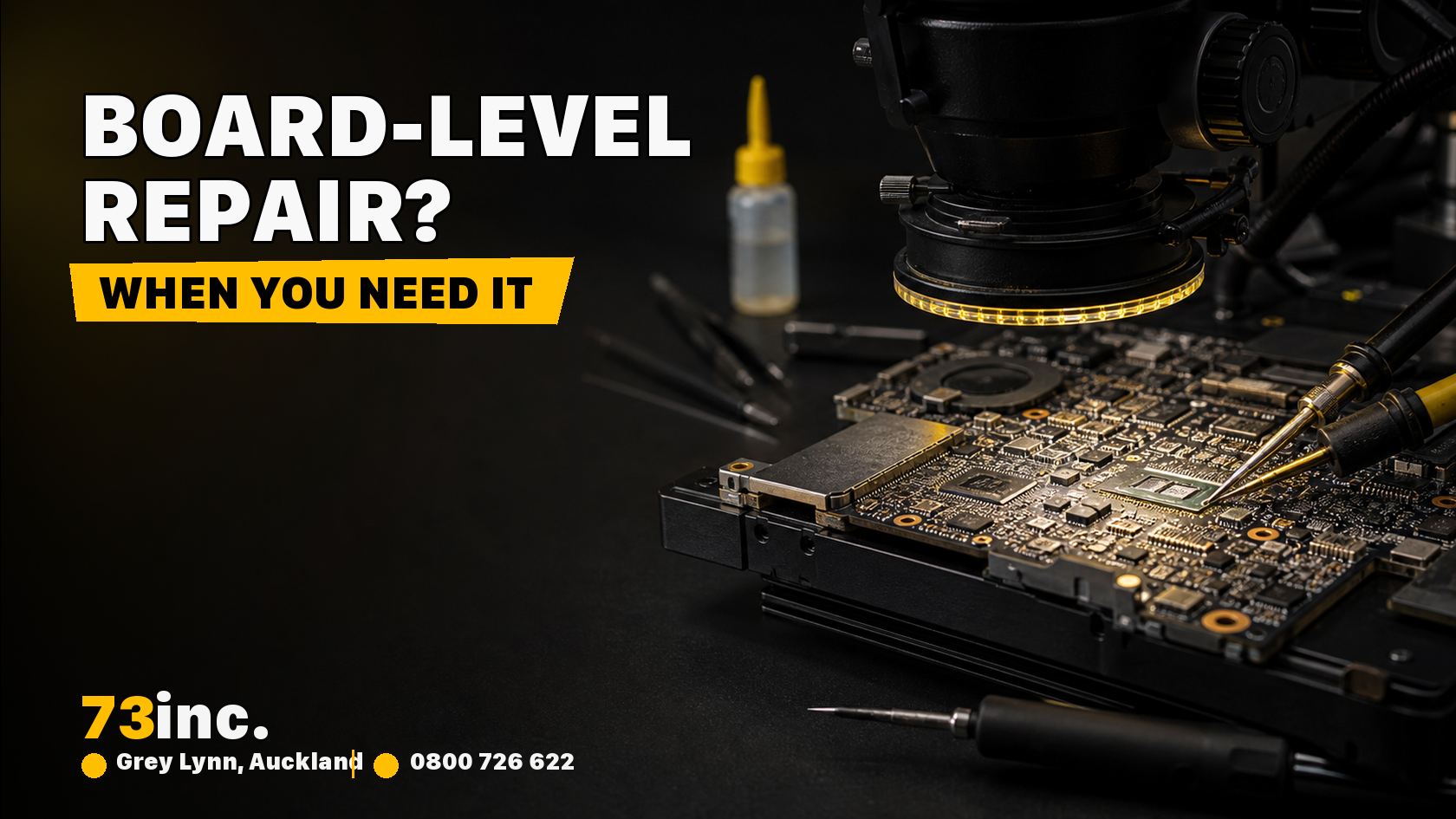
What is board level computer repair?
The logic board is the main circuit board connecting and supporting the computer’s processing, memory, storage and other functions. The arrangement varies by model, with some components integrated into chips or separate assemblies.
A board fault can prevent startup or affect only certain functions. Similar symptoms can arise elsewhere, so testing should distinguish the board from power, battery, display, storage and software causes.
Symptoms that warrant checks before board-level repair
Logic-board faults can result from liquid exposure, corrosion, electrical damage, failed components or other board-level faults. Heat or contamination may contribute in some cases, but the cause has to be diagnosed rather than inferred from the symptom alone. Liquid exposure, burning smells or physical damage call for prompt inspection; urgency otherwise depends on the symptoms.
System crashes
A Mac may crash on login, after waking from sleep, in Safe Mode, or when unplugged. Frequent crashes or restarts deserve investigation, but software, peripherals, storage and power problems can also cause them.
Battery not charging
A battery that will not charge can involve the charger, cable, port, battery or charging circuitry. Start with the power path rather than assuming the board is at fault.
USB ports not working
An unrecognised USB device may involve the accessory, cable, software, connector or internal circuitry. Test a known-good compatible accessory before assuming a board fault, provided there is no visible damage or liquid exposure.
Mac will not turn on
If your Mac does not turn on after pressing the power or Touch ID button, the battery, power supply, display or board may be involved. Some models have no fan, and startup sound settings vary; silence alone is not a board diagnosis.
Graphics and display problems
Distorted graphics, grey scales, or coloured lines can involve the display, cable, software or graphics hardware. Inspection is needed to distinguish them; the logic board is not automatically the most likely cause.
System diagnostics test failure
Apple Diagnostics may provide a useful reference code, but a result is not a complete board-level diagnosis.
- On Apple silicon, hold the power button at startup until Options appears, then hold Command-D.
- On a supported Intel Mac, hold D at startup; Option-D may work if D does not.
Older Macs may use Apple Hardware Test instead. Follow Apple’s instructions for your model, keep any reference code and share it at assessment. A passing result does not rule out an intermittent fault.
Audio not working
No sound can involve output settings, an app, speakers, connections or board circuitry. Check the selected output and volume first; do not infer a soldered-component failure from silence alone.
MacBook computer repair for logic board
A repair decision also needs to account for:
- Irreparable damage
- Outdated hardware
- Extremely high costs for board level repairs
Discuss the diagnosed fault, parts availability, quote and data needs with 73inc’s repair lab. The logic board repair page covers the service options; this symptom guide cannot choose the repair for a particular Mac.
Some damage is not economically or technically repairable. A processor or integrated-component fault may make board replacement or a replacement Mac more practical, but that is model- and fault-dependent. Compare the available options after diagnosis; neither repair success nor data recovery can be guaranteed.


