



Your MacBook is a valuable device. However as with any other device, problems may occur with time. One of the most common problems is screen damage. From a crack to a dead pixel or a flickering screen, these problems can be annoying. In this guide, we’ll cover everything you need to know about MacBook screen repairs and how to handle them.
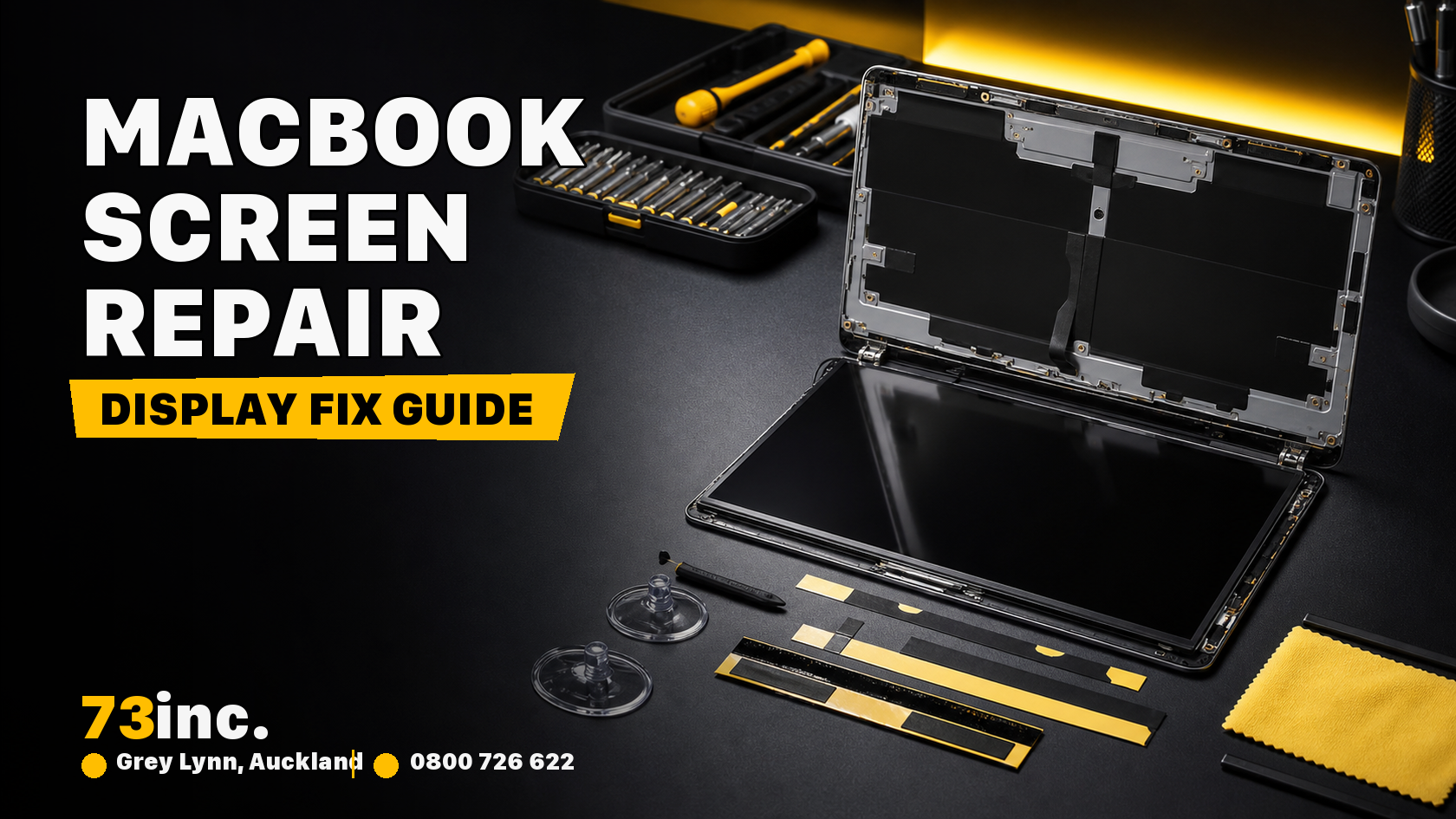
Why Does the MacBook Screen Get Damaged?
MacBook screens are made with advanced technology. But they are still susceptible to some kinds of damage. Common reasons for screen problems include:
- Physical Damage: By dropping your MacBook, it is easy to crack or to break the display.
- Pressure Damage: When heavy items are placed upon or upon the top of the MacBook, the screen may buckle or be shattered.
- Wear and Tear: Continued use will result in dead pixels, discolouration and screen flickering.
Understanding the cause of the issue can help you take preventive steps in the future
Types of MacBook Screen Problems
Screen issues can vary. Identifying the problem can guide the selection of an appropriate solution:.
- Cracked or Shattered Screens: This is one of the most visible issues. It is commonly necessary to make apple screen repairs immediately to prevent further unintended changes.
- Flickering or Blinking Screen: Flicker can be caused by software problems, but it can also occur through hardware problems.
- Dead Pixels: These are black dots on the screen where pixels are no longer functioning. While one or two dead pixels are common, too many can ruin the display quality.
- Discoloration: In rare cases, as pixels age, the colors on the screen could be washed out or even appear yellowish. This requires macbook screen repairs which helps to restore the correct colors.
Steps to Take Before Repairing the Screen
Before doing a screen repair, attempt the following in order to determine if the problem is software-driven, or hardware-driven:
- Restart Your MacBook: A simple restart can sometimes fix minor display issues.
- Check for Software Updates: Sometimes, outdated software can cause display problems. Navigate to “System Preferences” , then “Software Update” to see if updates are available.
- Adjust Display Settings: Check if the display settings need adjustments. Go to “System Preferences”, “Displays” check if changing the brightness or resolution can fix the problem.
- Safe Mode: Booting your MacBook into Safe Mode can help determine whether there is a problem with an external application.
If none of these attempts work, the problem is with the hardware and an attempt to repair the Apple screen fix could be required.
Options for MacBook Screen Repairs
There are multiple options for fixing your MacBook screen:
Authorised Apple Service Providers
An option is to visit an authorised Apple service provider. These technicians employ original Apple components and adhere to Apple’s repair protocols. This ensures your screen is fixed correctly, without affecting the warranty. Authorised service providers can however, be a very expensive option.
Third-Party Repair Shops
A great number of users choose third-party repair shops for MacBook screen repairs. These shops can be cheaper and repair times are more rapid. Additionally, as independent providers, they offer a variety of options, ranging from brand-new screens to ex-display and second-hand parts. The good news is that, regardless of the option you choose, the repair work will generally be covered by the standard New Zealand warranty, which is equivalent in length with that of an authorised Apple service provider.
When shopping at a third party store, make sure they have experience with the Apple devices. Check out reviews and inquire about their warranty conditions to gain extra confidence.
DIY Repair Kits
For tech-savvy individuals, a DIY repair might seem tempting. Repair kits for MacBook screens are available online. These kits come with tools and instructions to replace a damaged screen yourself.
However, this option comes with risks. MacBook screen replacement is a delicate job, a complicated one. Small mistakes can lead to the other parts of the laptop being damaged. DIY repairs also void any existing warranty, so they are only recommended if you’re confident in your skills.
How to Choose the Right Repair Option?
For the optimal approach to the repair of the apple repairs screen, the following should be taken into account:.
- Warranty: If your MacBook is still under warranty or AppleCare, it’s best to go through authorised provider.
- Cost: When out-of-warranty repairs are required, compare the apple fix screen cost of various repair options to obtain the best price.
- Repair Time: Authorized Providers may have a longer repair timeline. Third-party shops usually offer quicker repairs.
Preventing Future Screen Damage
After completing MacBook screen repairs, you’ll want to avoid future damage. Here are some tips to keep your screen safe:
- Use a Protective Case: Get a good-quality case which will help increase protection for your MacBook.
- Avoid Heavy Objects on the Laptop:Do not lay objects of significant weight on top of your MacBook, even when the MacBook is shut down.
- Handle with Care: Do not leave the MacBook in areas that it may be dropped or otherwise damaged.
- Use a Screen Protector: A screen protector can be used to avoid scratches and decrease the likelihood of cracking if the device is dropped.
When to Consider Replacing Your MacBook Instead of Repairing?
If the MacBook is an older one, and is not malfunctioning besides screen damage, it might be time to get a new MacBook. Spending money on repairs for an old MacBook may not be the best investment. Compare the Apple fix screen price with the cost of buying a new device to make an informed choice.
Final Thoughts
Repairing a MacBook display is expensive and technically challenging, but it is crucial to maintaining a good user experience. If you’re unsure about the right choice, speak with a professional.
For reliable MacBook screen repairs, consider 73inc. Our team specialises in Apple screen repair and can offer you an affordable apple fix screen price with high-quality service. Visit 73inc today, to get expert tips and practical screen repair for your MacBook screen problems.


