


Fix Today, Pay Tomorrow
afterpay logo

How Does a Malfunctioning Laptop Fan Affect Battery Life in 2026

A laptop fan is perhaps the most overlooked but important component of your device. It keeps your laptop from overheating and maintains proper ventilation. Adequate ventilation is crucial because overheating can cause severe damage to your laptop’s internal components.
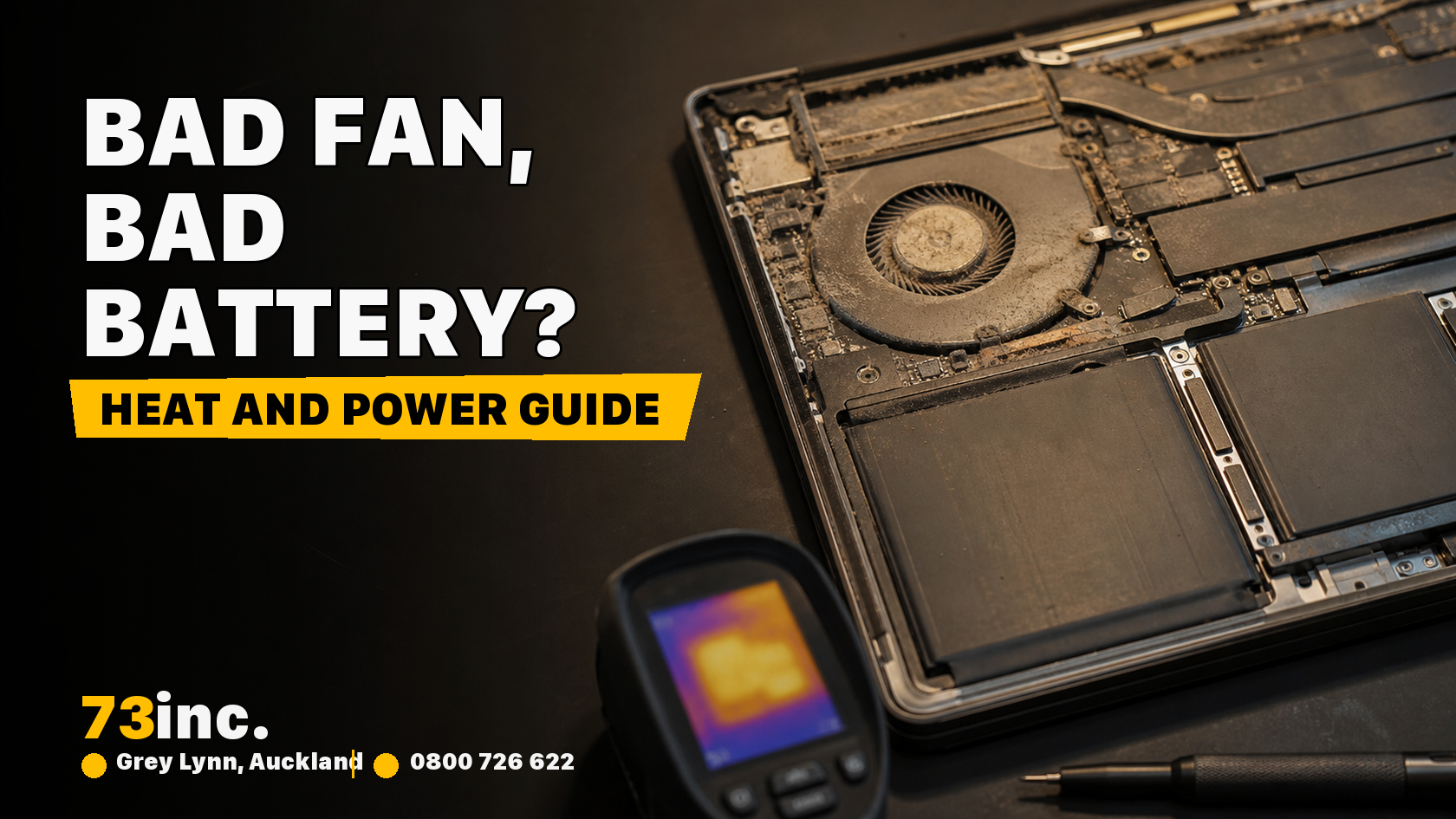
73inc blog image for How Does a Malfunctioning Laptop Fan Affect Battery Life in 2026

However, like any other part of your laptop, fans are also prone to damage or malfunctioning. It not only affects the performance of your device but also adversely affects battery life. So, it is very important to seek a professional laptop repair service as soon as you notice something wrong with your laptop’s fan.

In this blog, we will discuss how a malfunctioning laptop fan affects battery life. But before that, let us understand how the fan works.

How Does a Laptop Fan Work

The laptop fan spins its blades, creating airflow inside the device. The fan draws in cool air and pushes it over heat-producing components like the CPU and GPU. Heat is absorbed by the fan and expelled outside the laptop’s case. This helps maintain a cooler temperature for internal parts. 

Like every other component, laptop fans also consume battery (typically around 0.5 to 2 watts), although the consumption is much lower than the CPU, screen, and GPU. However, when the fan malfunctions, it may drain the battery fast.

How Does a Faulty Laptop Fan Affect Battery

These are the overheating effects resulting from a damaged fan that affects the battery. Here is how:

Constant system stress: In the lack of proper ventilation and cooling, the system becomes overheated. An overheating laptop puts internal components under pressure and requires them to work harder, which ultimately results in significantly faster battery drainage.

Battery swelling: Excessive heat causes the accumulation of gases inside the battery. The resulting expansion can warp the laptop’s case and pose the risk of leakage. This not only causes physical damage to internal components but also adversely affects the battery’s performance. This may require costly repair or battery replacement to restore your Mac’s performance.

Shortened battery lifespan: The laptop’s battery is measured in charge cycles, each cycle being a full 0-100% charge. Heat results in a reduced number of cycles for the battery. This means if your laptop is frequently exposed to heat, the battery’s life becomes so short that you may need to replace it sooner.

Increased power consumption: In order to compensate for poor cooling, the processor, CPU, GPU, and other components consume more power. Also, the components slow down to reduce heat, and they need more power consumption to do so. 

As you see, a malfunctioning fan can have severe consequences for your laptop. So, it is important to take care of this small but important component.

Tips to Maintain Laptop Fan and Avoid Malfunctioning

If your laptop is frequently overheating or shutting down, or you hear loud fan noises, it can be a sign of a malfunctioning laptop fan. Overlooking these signs can result in costly repairs. So, prevention is better than cure. So, try out the following tips to take care of your laptop’s fan:

  • Keep your laptop clean. Dust and debris build-up may block air vents, preventing the fan from performing optimally.
  • Use a cooling pad. A laptop cooler, chill mat, or cooling pad is a laptop accessory that helps reduce the device’s operating temperature when it is overheated.
  • Limit background processes. Quit unnecessary background apps and limit processes that unknowingly consume your laptop’s valuable resources, putting the fan and battery under pressure.
  • Clean the fan regularly: Cleaning the fan every 3-6 months can help maintain its optimal performance and prevent overheating. You can clean the fan using compressed air to blow out any dirt and debris.

Is it safe for a laptop fan to run constantly?

A continuously running laptop fan can become overworked and may need more battery to work harder. Also, an overtired fan may not work efficiently, causing your laptop to become overheated. Furthermore, excess heat can speed up the fan and damage internal components, thus reducing the overall performance of your device.

What can damage a laptop fan?

Accumulation of dust and dirt can block the airflow and interrupt the normal functioning of a laptop fan. It can result in abnormal or loud fan noise. So, act as soon as you notice these signs of a damaged laptop fan.

How to clean a laptop fan without opening it?

Fortunately, you can clean your laptop fan without opening the case. But you must have the right tools and knowledge for this. Start the cleaning process by locating air vents, which usually reside on the bottom of your device. Apply short bursts of compressed air to blow out any dirt and dust from the vents. Use a soft brush to clean the fan blades.

Is it safe to use a cooling pad to help my laptop stay cooler?

Yes, it is perfectly safe to use a cooling pad to maintain the optimal temperature for your laptop and keep it from overheating.

Get A Free Quote.

A diagnostic fee will apply in situations where we deem it necessary to conduct thorough testing to identify the source of issues.

Recent Post

Flexible ways to pay

Repair today. Pay the way that works for you.

Choose secure card payment, PayPal, or split eligible purchases with Afterpay.

VISAmastercardAMERICAN
EXPRESS
PayPalafterpay↗

Payment method availability, Afterpay eligibility and provider terms apply.

Trusted by Auckland customers

What our Google customers say

4.9★★★★★Google rating

Verified customer reviews imported directly from the 73inc Google Business Profile.

Posted on Google Google
Mikey Lougheed profile picture
Mikey Lougheed
Google star 1Google star 2Google star 3Google star 4Google star 5Trustindex verifies that the original source of the review is Google.
I walked into 73inc 9 years ago and I have never left. From cell phones that the kids have broken to computers that have stopped working on me. Enzo and his crew have never let me down. My computer died 3 months ago. Enzo stayed open till 8;30pm just for me. I was in trouble, I left that night with a working computer ready for the next day. That is the customer service that keeps me going back that just doesn't exist in any where else.
Posted on Google Google
Ross Alaine Ortile profile picture
Ross Alaine Ortile
Google star 1Google star 2Google star 3Google star 4Google star 5Trustindex verifies that the original source of the review is Google.
I highly recommend Enzo! He provided fast, friendly, and amazing service. My laptop had a battery issue, and he fixed it quickly. So far, my laptop has been working perfectly, and the new battery is working great as well. He was very helpful and made the whole process easy and hassle-free. I’m very happy with the service and would definitely recommend him to anyone who needs laptop repairs. Thank you so much, Enzo! 😊
Posted on Google Google
B C profile picture
B C
Google star 1Google star 2Google star 3Google star 4Google star 5Trustindex verifies that the original source of the review is Google.
Great Service, my iphone stopped working and 73inc had it fixed within the day. The owner is super nice, he could have tried to up-sell but I felt he gave me honest advice with the least $ to spend. Highly recommend!
Posted on Google Google
Elizabeth Brookbanks profile picture
Elizabeth Brookbanks
Google star 1Google star 2Google star 3Google star 4Google star 5Trustindex verifies that the original source of the review is Google.
73Inc is the only place to go for all computer / electronic requirements. The knowledge of staff and level of customer care is absolutely exemplary. I’m not fluent with technology and these guys assist me with patience and integrity. I know I am always getting the best product and solution for my requirements. I cannot rate 73Inc highly enough. Enzo is an absolute super star. We are so grateful to have found them and will continue to recommend their services to everyone looking for THE BEST level of customer care, value and product knowledge. Thank you 73Inc. Sincerely!
Posted on Google Google
Lola Robinson profile picture
Lola Robinson
Google star 1Google star 2Google star 3Google star 4Google star 5Trustindex verifies that the original source of the review is Google.
Such an easy and efficient service, helpful education and I think reasonable prices!
Posted on Google Google
Fred Mahadaya profile picture
Fred Mahadaya
Google star 1Google star 2Google star 3Google star 4Google star 5Trustindex verifies that the original source of the review is Google.
⭐⭐⭐⭐⭐ I just had my daughter’s MacBook screen repaired here and I’m really impressed with the service. The repair was done much faster than I expected, and I’m very happy with the result. A special thanks to Enzo, who was very friendly, helpful, and professional throughout the whole process. He explained everything clearly and made the experience easy and stress-free. Fast, reliable, and professional service. I’m very satisfied and would definitely recommend 73inc to anyone looking for a MacBook or Apple device repair in Auckland. Thank you, Enzo and the team!
Posted on Google Google
Martin Buis profile picture
Martin Buis
Google star 1Google star 2Google star 3Google star 4Google star 5Trustindex verifies that the original source of the review is Google.
Good service, and able to support older Macs. They were prompt and provided excellent updates
Posted on Google Google
Will Luxton profile picture
Will Luxton
Google star 1Google star 2Google star 3Google star 4Google star 5Trustindex verifies that the original source of the review is Google.
It was a fantastic experience dealing with 73 inc. They responded immediately to my inquiry, and provided all the information I needed for my MacBook Air repair. I dropped it off late in the afternoon and it was ready first thing the next day. They were very proactive in keeping me up-to-date with the repair status, and provided an amazing service. Will happily use them again!