macOS updates
Compatibility, free space and system health are checked when an update repeatedly fails or stalls.

Careful operating-system updates, reinstallations and recovery for compatible Mac, iPhone and iPad devices—with backup status and device health considered first.
An operating-system problem can appear as a failed update, startup loop, recovery screen, disabled device or repeated error. The safest response depends on the device model, available storage, current system version, backup status and whether the storage itself is healthy.
73inc confirms the device and symptoms, checks compatibility and discusses data risk before recommending an update, reinstall, restore or recovery path. Apple Account credentials and activation decisions remain with the device owner.
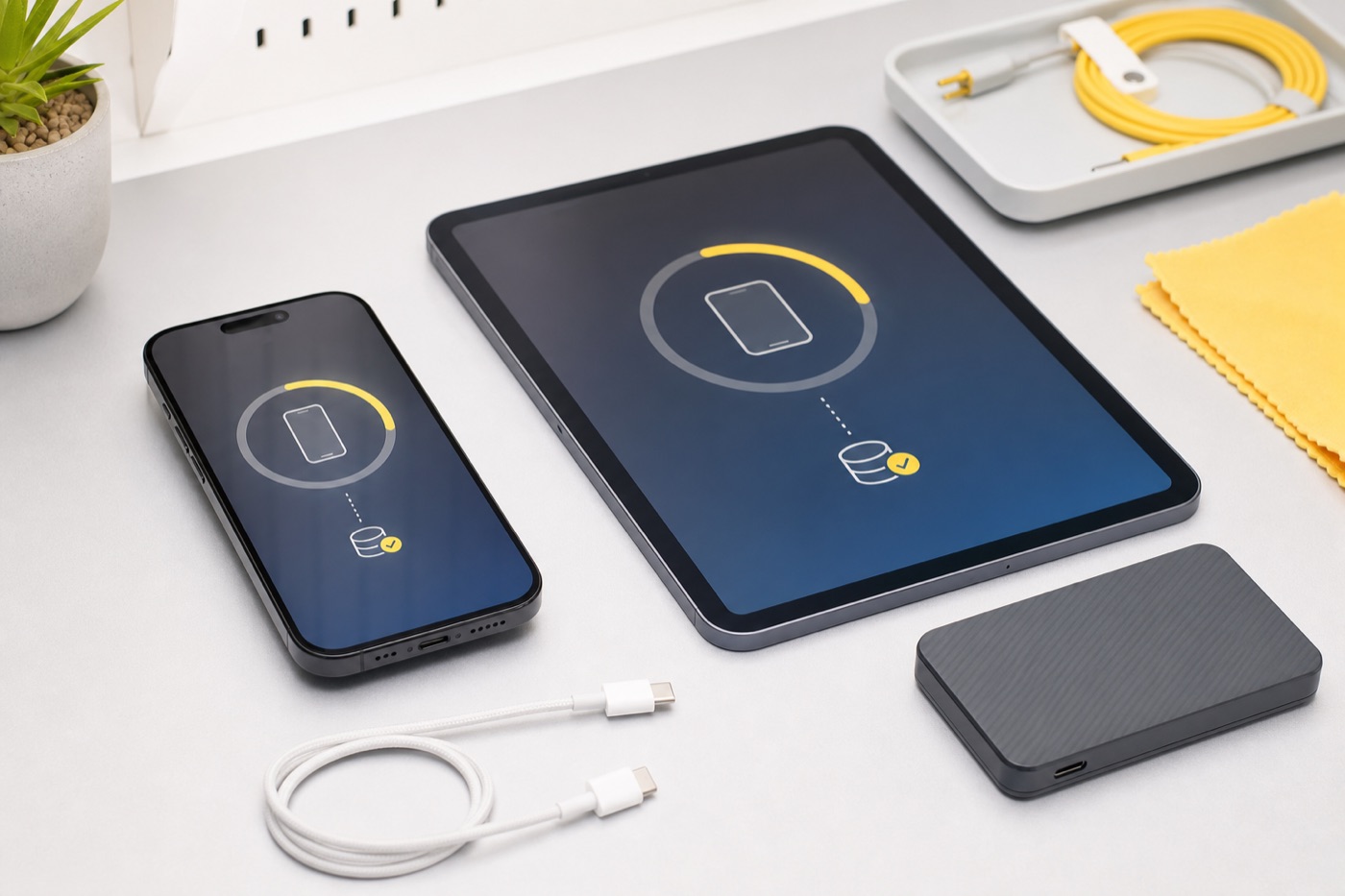
Compatibility, free space and system health are checked when an update repeatedly fails or stalls.
A clean system reinstall may resolve damaged system files when storage and hardware are otherwise healthy.
Startup loops, recovery errors and missing system volumes are diagnosed before erasing or reinstalling.
Device compatibility, storage, charging and backup status are reviewed before major mobile-system updates.
We explain the difference between updating and restoring, including when a restore may erase the device.
Basic startup, updates and agreed settings are checked before the device is handed back.
We confirm the model, current system, symptoms and available backup.
Compatibility, storage health, free space and data implications are reviewed.
We explain whether an update, reinstall, restore or other repair is appropriate.
Approved work is completed and startup plus basic system behaviour are tested.
Some reinstall paths can preserve files, while erasing or restoring does not. Data is never guaranteed, so backup status and the chosen method must be discussed first.
Only when Apple supports that model and the Mac has suitable storage and system health. We do not bypass official compatibility limits.
An update installs a newer system while aiming to retain data. A restore reinstalls the device software and commonly erases the device.
You may need to enter your Apple Account password or verification code yourself for activation and setup. We do not retain those credentials.
Common causes include insufficient space, poor connectivity, damaged downloads, unsupported hardware or an underlying storage or hardware fault.
Yes. After assessment, we explain the recommended method, data implications and quote or agreed next step before proceeding.
Tell 73inc the device model, current symptoms and whether a backup exists. We will confirm the practical next step.
Flexible ways to pay
Choose secure card payment, PayPal, or split eligible purchases with Afterpay.
Payment method availability, Afterpay eligibility and provider terms apply.
Trusted by Auckland customers


