Startup and login faults
Progress-bar stalls, restart loops, blank screens after login and account problems are assessed methodically.
Clear diagnosis for macOS startup failures, crashes, update problems, slow performance and software conflicts—without guessing or unnecessary hardware replacement.
Slow performance, spinning cursors, crashes and failed updates can come from software, low free space, damaged system files, incompatible apps or an underlying storage fault. Treating every symptom as “just software” can waste time and put data at risk.
We reproduce the fault, review macOS health and logs, check available storage and separate software conflicts from hardware warning signs. Where the Mac remains accessible, protecting current data is the first priority before major changes.
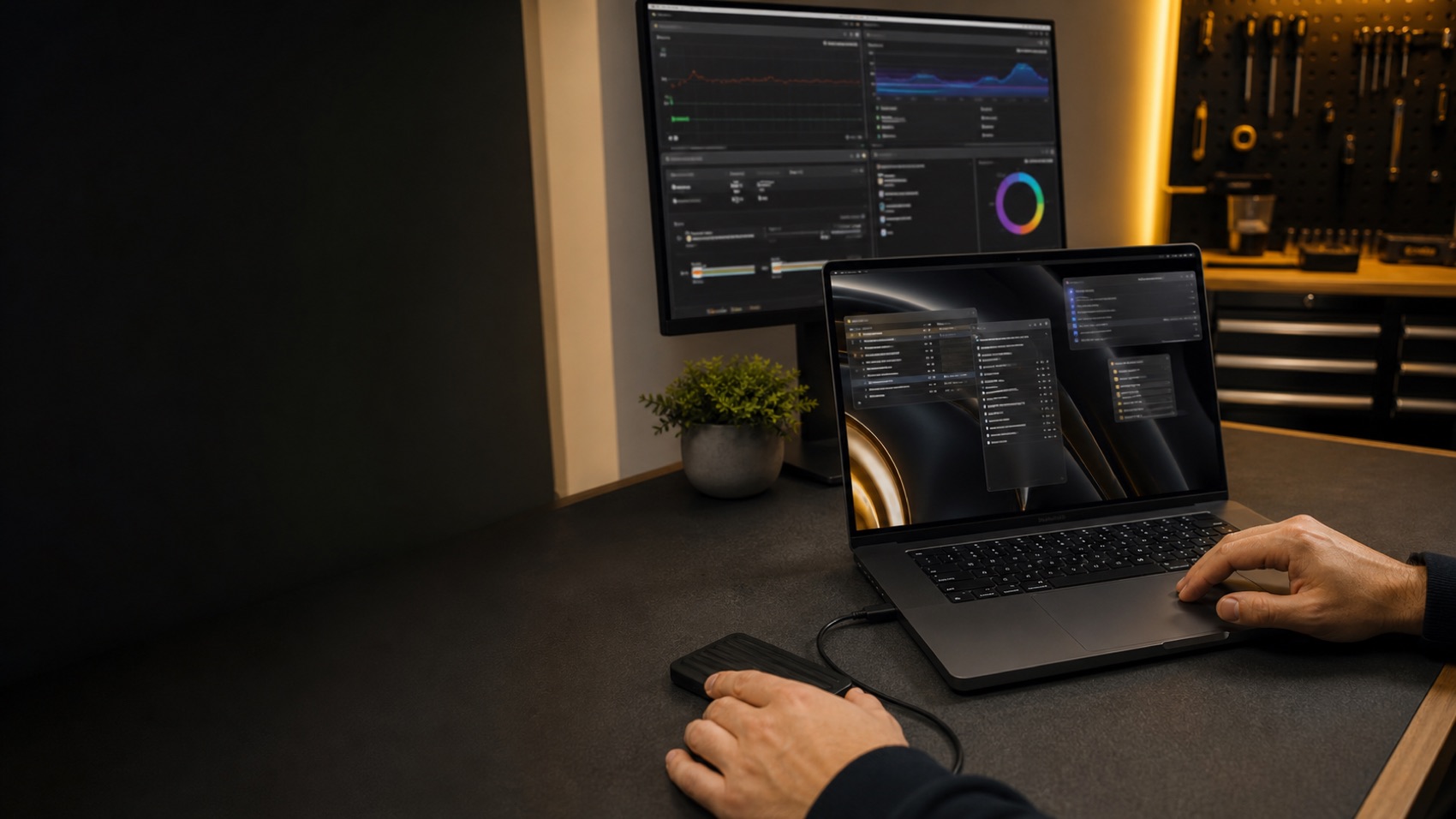
Progress-bar stalls, restart loops, blank screens after login and account problems are assessed methodically.
We review repeatable symptoms and diagnostic information to identify software, storage or hardware causes.
Storage pressure, background tasks, unsuitable software and system health are checked before recommendations.
Failed macOS updates, installer errors and compatibility problems are resolved with the model and data in mind.
Login items, permissions, keychain behaviour and user-profile faults can be isolated without broad guesswork.
Conflicting utilities, extensions, drivers, printers, displays and network software are tested systematically.
We confirm what happens, when it began and what changed beforehand.
Where possible, we check backup status before repairs that affect the system.
Software, storage and hardware indicators are tested in a logical order.
You receive the findings, options and quote before chargeable work proceeds.
Yes, we can diagnose startup stalls and restart loops. The cause may be macOS corruption, low storage, an update problem or failing storage hardware.
Not normally. We take a backup-first approach where possible and explain before any step that could affect data. Data can never be guaranteed, so a current independent backup is always recommended.
Common causes include software conflicts, damaged system files, storage faults, memory pressure and hardware problems. Diagnosis is needed to distinguish them.
Yes. We check compatibility, free space, disk health and the installation state before choosing the safest recovery path.
When appropriate, yes. Reinstallation is not the first answer to every problem, and we consider the Mac model, backup status and underlying hardware health first.
Yes. After diagnosis, we explain the findings and provide a quote or agreed next step before chargeable repair work proceeds.
Tell 73inc what the Mac is doing and when the problem began. We will guide you to the right next step.
Flexible ways to pay
Choose secure card payment, PayPal, or split eligible purchases with Afterpay.
Payment method availability, Afterpay eligibility and provider terms apply.
Trusted by Auckland customers


